

Quick Answer
The best AI video tool for social media content creators depends on your workflow, but in 2026, tools like Pika AI, Keyvello, DomoAI, and NextReel AI consistently lead for short-form content. If you create faceless videos, Keyvello is a strong pick. If you need marketing-style video ads, Ozor AI or Tagshop AI are worth a close look. Most creators benefit from testing two or three tools before committing to one.
Key Takeaways
- 🎬 No single tool wins every use case — the best AI video tool for social media content creators depends on content type, budget, and platform.
- Faceless content creators get the most value from script-to-video tools like Keyvello and Ngram AI.
- Tools with built-in aspect ratio presets (9:16, 1:1, 16:9) save significant editing time for multi-platform posting.
- Free or freemium options exist, but most serious creators hit limits quickly and need a paid plan.
- AI lip-sync tools (like Diff2Lip and LatentSync) are becoming essential for multilingual creators.
- Ease of use matters as much as output quality — a tool you actually use beats a powerful one you avoid.
- Always check export resolution and watermark policies before committing to any plan.
- Batch video generation is a major time-saver for creators posting daily or multiple times per week.
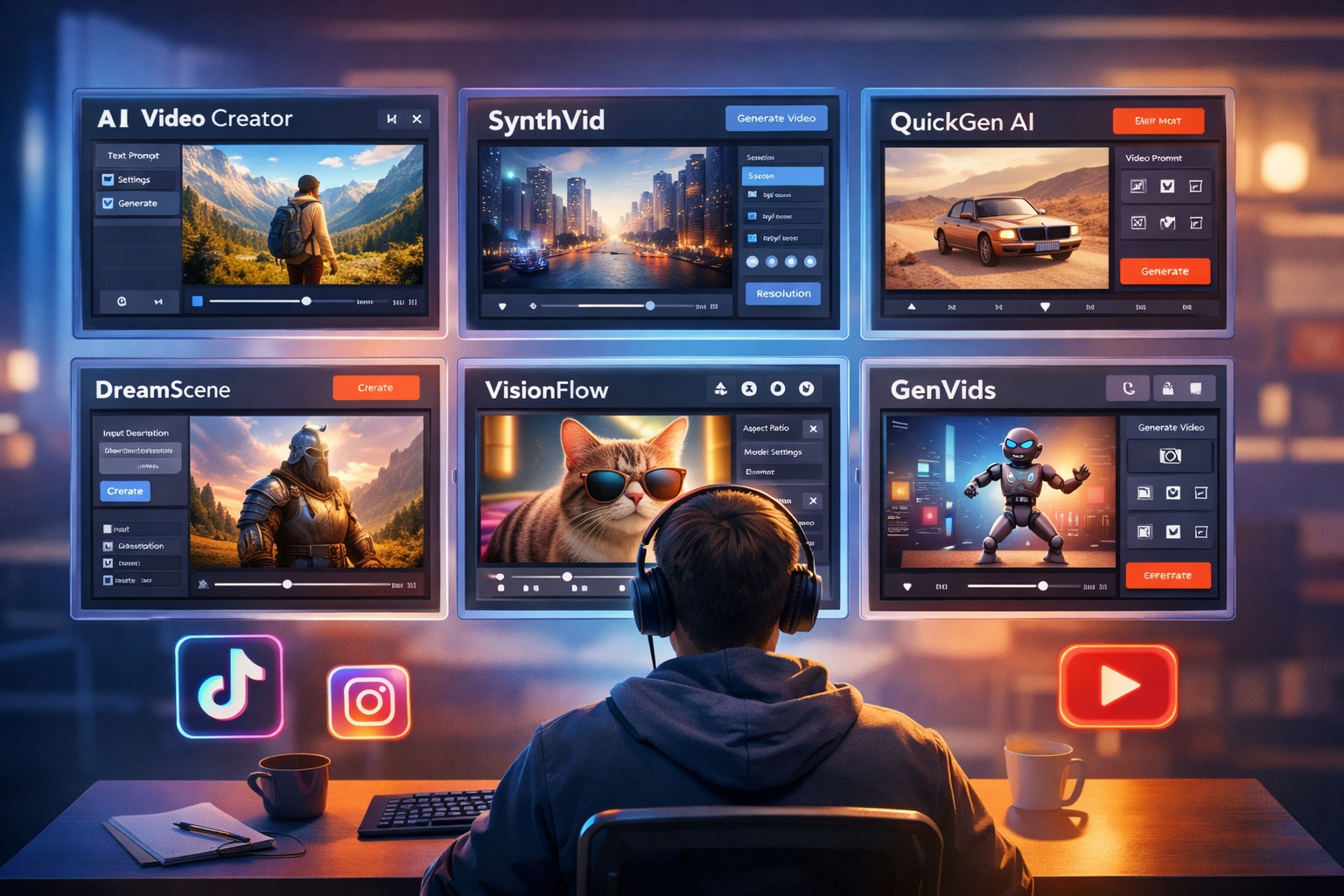
What Makes an AI Video Tool Actually Good for Social Media?
A good AI video tool for social media does three things well: it produces platform-ready output, it saves meaningful time, and it doesn’t require a steep learning curve. Social media creators have different needs than filmmakers or corporate video teams.
Here’s what to prioritize when evaluating any tool:
- Aspect ratio presets — TikTok, Reels, and YouTube Shorts all use 9:16. A tool that exports in the right format without manual cropping is a real time-saver.
- Caption and subtitle generation — Auto-captions are now a baseline expectation, not a bonus feature.
- Speed of generation — Waiting 20 minutes per video kills your posting schedule.
- Template variety — Especially useful for creators who post across multiple niches or brand accounts.
- Audio and music options — Royalty-free music libraries built into the tool prevent copyright strikes.
Choose a tool based on your output format first. If 90% of your content is Reels, a tool optimized for long-form YouTube won’t serve you well, no matter how impressive the demo looks.
What Is the Best AI Video Tool for Social Media Content Creators in 2026?
The honest answer: there’s no universal winner, but there are clear leaders by category. Here’s a breakdown of the top tools in 2026, organized by use case.
Top Tools by Use Case
| Use Case | Recommended Tool | Best For |
|---|---|---|
| Faceless content | Keyvello | YouTube, TikTok, faceless channels |
| Short-form video ads | Ozor AI | Instagram, Facebook ads |
| Script-to-video | Ngram AI | Blog-to-video, educational content |
| AI reels automation | NextReel AI | Instagram Reels, TikTok |
| Talking portrait / avatar | Float (DeepBrain AI) | Presenter-style videos |
| Free/no-login option | Wula AI | Beginners, low-budget creators |
| Video ad generation | Tagshop AI | E-commerce, product promotion |
| Lip-sync for multilingual | Diff2Lip | Dubbed content, global audiences |
Common mistake: Creators often pick the most talked-about tool rather than the one that fits their specific content type. A tool built for cinematic AI video generation (like Pika AI) may be overkill — and slower — for someone who just needs daily Reels.
How Do These Tools Compare on Price and Features?
Most AI video tools in 2026 use a freemium model. Free tiers are useful for testing but usually come with watermarks, limited exports, or lower resolution.
Typical pricing tiers:
- Free: 5–10 exports/month, watermarked, lower resolution
- Starter ($10–$25/month): Watermark-free, HD exports, basic templates
- Pro ($30–$80/month): Batch generation, priority rendering, advanced customization
- Agency/Team ($100+/month): White-label, multiple seats, API access
For creators posting 5–7 times per week, a mid-tier plan ($20–$40/month) is usually the sweet spot. If you’re running a content agency or managing multiple brand accounts, look at tools with team features.
Edge case: Some tools charge per video generated rather than a flat monthly fee. If you’re a high-volume creator, per-video pricing can get expensive fast. Always check the pricing model before signing up.
Which AI Video Tools Work Best for Faceless Content Creators?
Faceless content creators — those who don’t appear on camera — need tools that can generate compelling visuals from a script alone. This is one of the fastest-growing use cases in 2026.
The best options here are:
- Keyvello — Specifically built for faceless video channels. It handles script input, AI voiceover, stock footage matching, and captioning in one workflow.
- Ngram AI — Script-first approach that works well for educational or informational content.
- FacelessReels — Designed to automate the entire faceless Reels pipeline, from idea to published post.
For faceless creators, the key differentiator is voiceover quality. A robotic-sounding AI voice will tank your retention rate regardless of how good the visuals are. Always test the voice output before committing to a tool.
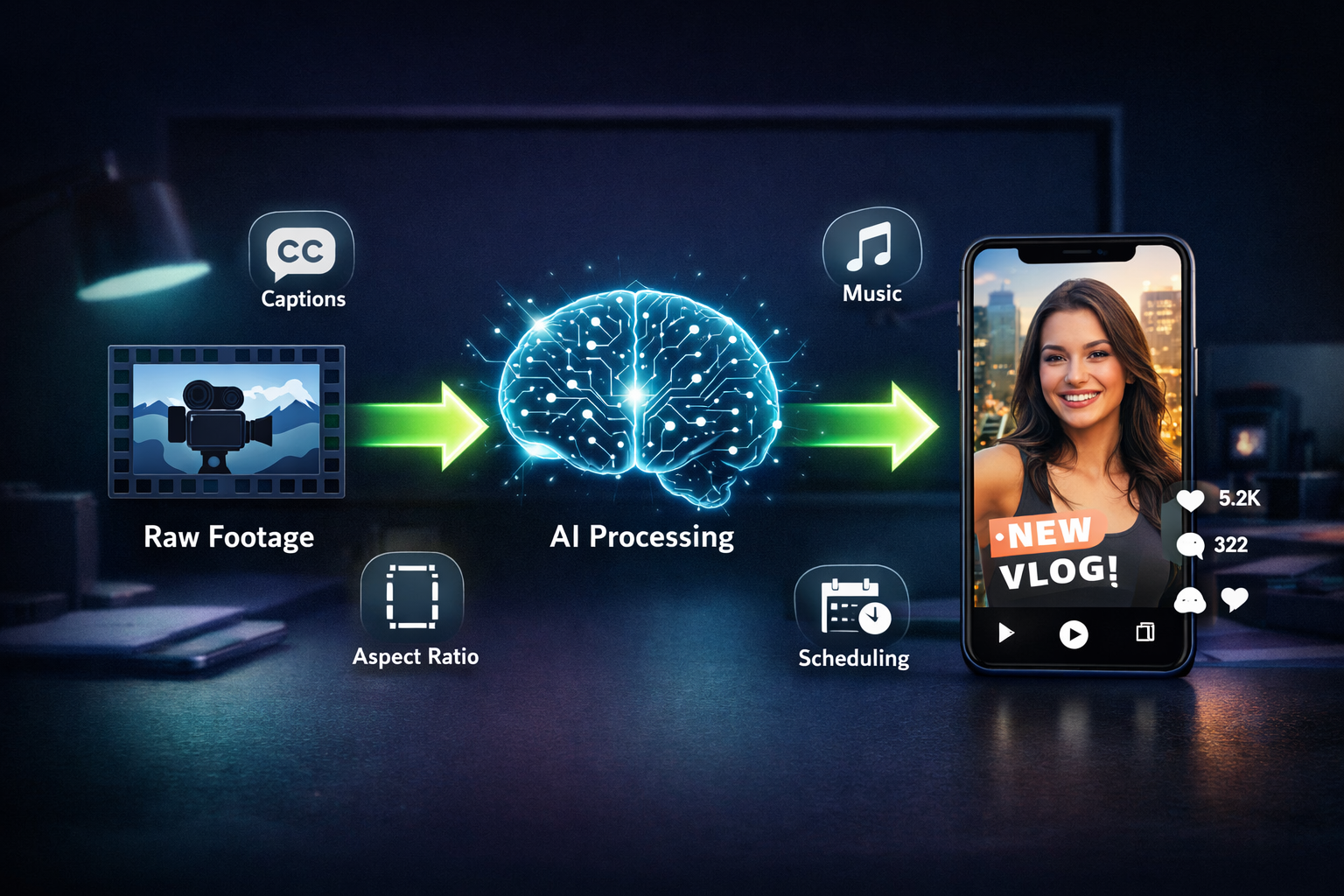
What Should Beginners Look for When Choosing the Best AI Video Tool?
Beginners should prioritize simplicity and output quality over advanced features. A tool with a clean interface and good default settings will produce better results than a complex platform that requires hours of configuration.
Beginner checklist:
- Does it have pre-built templates for the platforms you use?
- Can you get a usable video in under 10 minutes on your first try?
- Is there a free tier or trial to test before paying?
- Does it include auto-captions?
- Are exports watermark-free on the paid plan?
Wula AI is a solid starting point — it requires no login for basic use and produces clean short-form videos quickly. For beginners who want more control over visuals, Pika AI offers a more polished interface with strong output quality.
Also worth exploring: our full roundup of AI video and media tools covers a wide range of options across budget levels.
Are There Free AI Video Tools That Are Actually Worth Using?
Yes, but with realistic expectations. Free tools are best for testing, occasional use, or low-stakes content. For consistent, professional-quality output, most free tiers fall short.
Free tools worth trying in 2026:
- Wula AI — No login required, fast generation, decent quality for short clips
- Vheer — Free AI image and video tool with a usable free tier
What free tools usually lack:
- HD or 4K export
- Watermark-free output
- Batch generation
- Advanced customization
If you’re serious about content creation as a business or side income, the time saved by a paid tool usually justifies the cost within the first month.
What Are the Biggest Mistakes Creators Make When Picking an AI Video Tool?
Most creators make one of three mistakes when choosing the best AI video tool for social media content creators:
- Choosing based on hype, not fit. A tool that went viral on Twitter may not match your content style or platform.
- Ignoring export limitations. Some tools cap resolution or add watermarks on plans that seem paid-tier.
- Not testing voiceover quality. For any tool with AI narration, the voice is often the first thing viewers notice — and the first reason they click away.
A fourth mistake: skipping the trial period. Almost every major tool offers a free trial. Use it with your actual content, not the demo assets they provide.
Conclusion: Choosing the Right AI Video Tool for Your Content Strategy
The best AI video tool for social media content creators isn’t the most expensive or the most feature-rich — it’s the one that fits your workflow and produces content your audience actually watches.
Actionable next steps:
- Define your primary platform (TikTok, Instagram, YouTube Shorts) and filter tools by aspect ratio support.
- Pick your content type — faceless, avatar-based, or footage-driven — and match it to the tools in the comparison table above.
- Start a free trial with your top two choices and generate the same video concept in both.
- Evaluate output quality, speed, and ease of use before upgrading to a paid plan.
- Reassess every 3–6 months — this space moves fast, and better options appear regularly.
For deeper dives, check out our detailed reviews of Keyvello, NextReel AI, and the full social media tools category for the latest additions.
FAQ
Q: What is the best AI video tool for social media content creators on a tight budget?
Wula AI and Vheer both offer free tiers with no login required. For paid options under $20/month, Keyvello and NextReel AI offer strong value for short-form content.
Q: Can AI video tools replace a professional video editor?
For short-form social media content, yes — in many cases. For complex branded productions or long-form content, AI tools work better as assistants than replacements.
Q: How long does it take to generate a video with an AI tool?
Most tools produce a 30–60 second video in 2–5 minutes. Longer or more complex videos can take 10–20 minutes depending on the platform and server load.
Q: Do AI video tools own the content I create?
This varies by platform. Always read the terms of service. Most reputable paid tools grant you full commercial rights to your output.
Q: Are AI-generated videos penalized by social media algorithms?
As of 2026, no major platform algorithmically penalizes AI-generated content by default. However, disclosure requirements are evolving — check each platform’s current policy.
Q: Which AI video tool is best for multilingual content?
Diff2Lip and LatentSync are strong options for lip-sync dubbing. For full multilingual voiceover and subtitle generation, Float (DeepBrain AI) is worth evaluating.
Q: Can I use AI video tools to create content for client brands?
Yes, but check the commercial licensing terms on your specific plan. Agency-tier plans typically include explicit commercial use rights.
Q: What’s the difference between a script-to-video tool and a video generation tool?
Script-to-video tools (like Ngram AI) take written text and build a video around it. Video generation tools (like Pika AI) create footage from text prompts or image inputs. Both are useful, but for different workflows.
Sources
- Pika AI official site and product documentation, 2024–2026 — reviewnexa.com/pika-ai-review-ai-video-tool-tested-2026
- Keyvello product review and testing, ReviewNexa, 2026 — reviewnexa.com/keyvello-review
- DomoAI product review, ReviewNexa, 2026 — reviewnexa.com/domoai-review
- Wula AI review, ReviewNexa, 2026 — reviewnexa.com/wula-ai-review