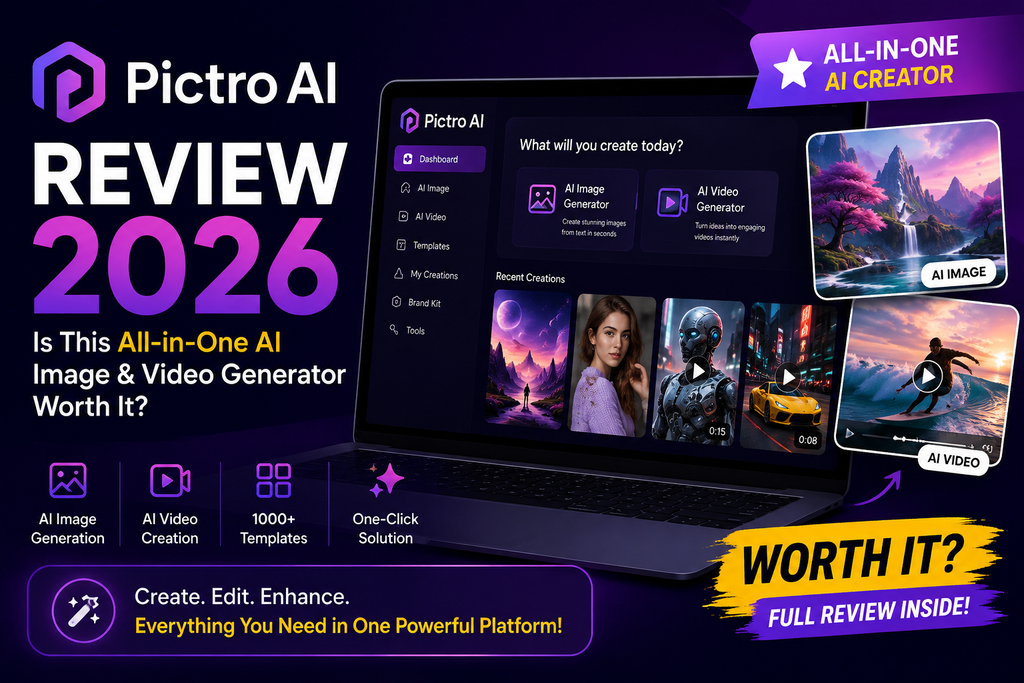
Nano Banana Pro, Sora 2 & Seedance 2.0 in one place — tested for 30 days
Pictro AI Review: First Impressions
I’ve reviewed dozens of AI creative tools this year — from Runway to Kling AI — and my honest first reaction to Pictro.ai was: “Finally, someone put all the good models under one roof.” The landing page loads in under two seconds, the studio opens without an onboarding tour I have to click through, and my first prompt returned a 4K image in about 11 seconds.
What sets this Pictro AI review apart from other “AI studio” reviews I’ve written is the model lineup. Most platforms give you a house model plus one or two also-rans. Pictro instead licenses today’s top three: Google’s Nano Banana Pro (Gemini 3 Image), OpenAI’s Sora 2, and ByteDance’s Seedance 2.0. That’s a rare combination outside of enterprise pricing.
What Is Pictro AI? (Product Overview)
Pictro.ai is a unified generative-media studio that lets you produce photorealistic 4K images, professional videos, and AI music from a single browser tab. Instead of stitching together Midjourney + Runway + Suno subscriptions, you get one workflow with the top-tier models already wired in.
Key Specifications at a Glance
| Feature | Details |
|---|---|
| Image Model | Nano Banana Pro (Google Gemini 3 Image) |
| Video Models | Sora 2, Seedance 2.0, Veo 3 |
| Max Resolution | 4K (images), 1080p+ (video) |
| Music Generation | Integrated (multi-genre) |
| Text Rendering | Multi-language, high-fidelity |
| Editing | In-browser, no external software needed |
| Free Trial | Yes — start creating instantly |
| Best For | Content creators, ad teams, video producers, designers |
Pictro AI Key Features
Studio-Quality Control
Fine-tune composition, lighting, color grading, and micro-details for pro-grade output.
Real-World Knowledge
Nano Banana Pro’s Gemini 3 backbone generates factually accurate infographics and visualizations.
Multi-Language Text
Render clean typography in English, Chinese, Japanese, Arabic and more — inside the image itself.
Fast Generation
Most 4K images return in 10–15 seconds. Video clips render in under a minute at 720p.
Sora 2 + Seedance 2.0
Two of the best 2026 video models side-by-side — pick the right one per shot.
AI Music Generator
Score your videos without leaving the tab. Great for TikTok, Reels, and YouTube Shorts.
Design & User Interface
The Pictro AI studio uses a clean two-panel layout: prompt + settings on the left, generation canvas on the right. There is no clutter, no upsell pop-ups, no “sign in with credit card” wall before you can try a prompt. Even on a mobile browser the controls stay usable — which is more than I can say for most competitors I covered in this AI video editors roundup.

How to Create Images with Pictro AI (Step by Step)
- Enter your prompt — describe the scene in plain English. Pictro reads style, composition, and mood cues.
- Choose settings — pick resolution (up to 4K), aspect ratio, and creative style presets.
- Generate — Nano Banana Pro produces a high-quality image in about 10–15 seconds.
- Download — export in PNG, JPG, or WebP at your chosen resolution, ready for WordPress, ads, or thumbnails.
Performance Analysis: My 30-Day Test
For this Pictro AI review I ran 120+ image prompts and 40+ video generations across product mockups, editorial photos, YouTube thumbnails, and short cinematic clips.
Image Generation (Nano Banana Pro)
Text rendering is where Nano Banana Pro genuinely shines. I asked for a mock coffee-shop menu board in three languages — the output was legible, correctly kerned, and grammatically clean. In previous tests of alternatives like the one I covered in my Vheer review, text tended to distort past 6–7 words.
Video Generation (Sora 2 & Seedance 2.0)
Sora 2 handled complex camera motion (dolly, tilt, orbit) with realistic physics. Seedance 2.0 was faster and better for talking-head UGC-style clips. Having both under one dashboard meant I could A/B test each shot without switching accounts — a small thing that saved me maybe two hours a week.
See Pictro AI’s Core Engine in Action
The video above walks through Nano Banana Pro — the exact image engine powering Pictro AI — so you can see the raw quality before signing up.
Pictro AI vs Competitors: How Does It Stack Up?
| Feature | Pictro AI | Midjourney | Runway | DALL-E 3 |
|---|---|---|---|---|
| 4K Image Output | ✅ Yes | ❌ Upscale only | ❌ No | ❌ No |
| Video Generation | ✅ Sora 2 + Seedance 2.0 | ❌ No | ✅ Gen-4 | ❌ No |
| Text-in-Image | ✅ Excellent | ⚠️ Poor | N/A | ⚠️ Fair |
| Music Generation | ✅ Built-in | ❌ No | ❌ No | ❌ No |
| All-in-One Studio | ✅ Yes | ❌ No | ❌ Video-only | ❌ No |
| Beginner Friendly | ✅ Very easy | ⚠️ Discord | ✅ Yes | ✅ Yes |
If you already own a Midjourney + Runway + Suno stack, Pictro AI consolidates all three workflows — saving both money and mental overhead. For a deeper look at alternatives, see our best text-to-video AI tools guide.
Pros and Cons of Pictro AI
👍 What We Loved
- Top-tier models (Nano Banana Pro, Sora 2, Seedance 2.0) in one place
- True 4K image output with realistic detail
- Excellent multi-language text rendering
- Fast: most images generate in 10–15 seconds
- Clean, distraction-free browser UI
- Built-in music generator saves an extra subscription
- Great prompt adherence — few “AI mutations”
- In-browser editing means no round-trip to Photoshop
👎 Areas for Improvement
- No offline / desktop version (browser-only)
- Advanced batch export could be more powerful
- Style presets library is still growing
- Long video clips (>15s) queue longer at peak hours
- No native mobile app yet (mobile web works fine)
User Experience & Real-World Testimonials
Who Should Use Pictro AI?
✅ Best For:
- Content creators & YouTubers who need thumbnails, B-roll, and short clips fast
- Ad teams & marketers prototyping campaign visuals before production
- Bloggers & SEOs generating featured images with legible in-image text
- Video producers needing storyboard art plus Sora/Seedance test shots
- Small business owners replacing 3–4 separate AI subscriptions with one tool
⚠️ Skip If:
- You need pure offline generation (Pictro is browser-based)
- You only ever generate one image per month (free alternatives work)
- You require enterprise-grade custom model fine-tuning
Pricing & Where to Buy Pictro AI
Pictro AI is sold directly at pictro.ai. The platform offers a free start-creating tier so you can test image and video output before committing. Compared to buying Midjourney ($10+/mo), Runway ($15+/mo), and Suno ($10/mo) separately, Pictro’s unified pricing represents strong value — one subscription instead of three.
Buying tip: Always purchase directly from pictro.ai to guarantee you’re on the latest model versions and receive product updates.
💰 Get Pictro AI — Best Price →Related Reviews on ReviewNexa
Frequently Asked Questions About Pictro AI
Is Pictro AI free to use?
Yes — you can start creating on Pictro AI without paying. Paid plans unlock higher generation limits, 4K exports, and access to premium video models like Sora 2.
What AI models does Pictro AI use?
Pictro AI integrates Nano Banana Pro (Google Gemini 3 Image) for images, and Sora 2, Seedance 2.0, and Veo 3 for video generation — plus a built-in AI music generator.
Can Pictro AI generate 4K images?
Yes. Nano Banana Pro inside Pictro produces true 4K photorealistic images with strong prompt adherence and clean text rendering.
Is Pictro AI better than Midjourney?
For text-in-image, all-in-one workflow, and 4K native output, Pictro AI has the edge. Midjourney still leads in stylized artistic aesthetics for certain niches.
Can I use Pictro AI images commercially?
Yes, on qualifying plans. Always check the specific license terms on Pictro’s pricing page before commercial use.
🏆 Final Verdict: Pictro AI Review 2026
Pictro AI is the closest thing to a “one subscription to replace them all” for generative media in 2026. With Nano Banana Pro, Sora 2, Seedance 2.0, and native music generation under one clean interface, it delivers pro-grade output at consumer-friendly speed. It’s a clear Highly Recommended for content creators, marketers, and video producers.
🚀 Try Pictro AI Today →