

Quick Answer: Several free AI video generators offer watermark-free downloads in 2026, but most require account registration or have strict usage limits. Tools like Wula AI, Vheer, and DomoAI stand out for giving free users clean exports without visible branding. The catch is that “free” usually means limited video length, resolution caps, or a monthly generation quota.
Key Takeaways
- ✅ Wula AI, Vheer, and DomoAI are among the strongest free options with no watermark on exports
- ⚠️ Most “free” tiers restrict video length (typically 3–10 seconds) or monthly credits
- 🔍 Always test the free tier before assuming watermark-free output — terms change frequently
- 💡 No-login tools tend to have the most generous free access but lower output quality
- 📋 Watermark-free doesn’t always mean commercial-use rights — check the license
- 🎯 For faceless content creators, tools like Keyvello offer clean exports on free plans
- 🔄 Upgrading to a paid plan is often worth it if you need consistent, high-volume output
- 📱 Some tools offer watermark-free video only on mobile apps, not web versions
Why Watermarks Are Such a Big Deal for Free AI Video Tools
Free tools need revenue, and watermarks are the most common way they push users toward paid plans. A watermark — whether a logo in the corner or a subtle text overlay — makes your video look unprofessional and limits how you can use it.
The good news: a growing number of AI video generators in 2026 are dropping watermarks on free tiers to compete for users. The bad news: the definition of “free” varies wildly between platforms.
Three things to check before committing to any free tool:
- Does the free plan actually export without a watermark, or just preview without one?
- Are there credit limits that reset monthly, or a one-time cap?
- Does the free tier allow commercial use of the output?
Which Free AI Video Generator Has No Watermark? The Top Options Compared
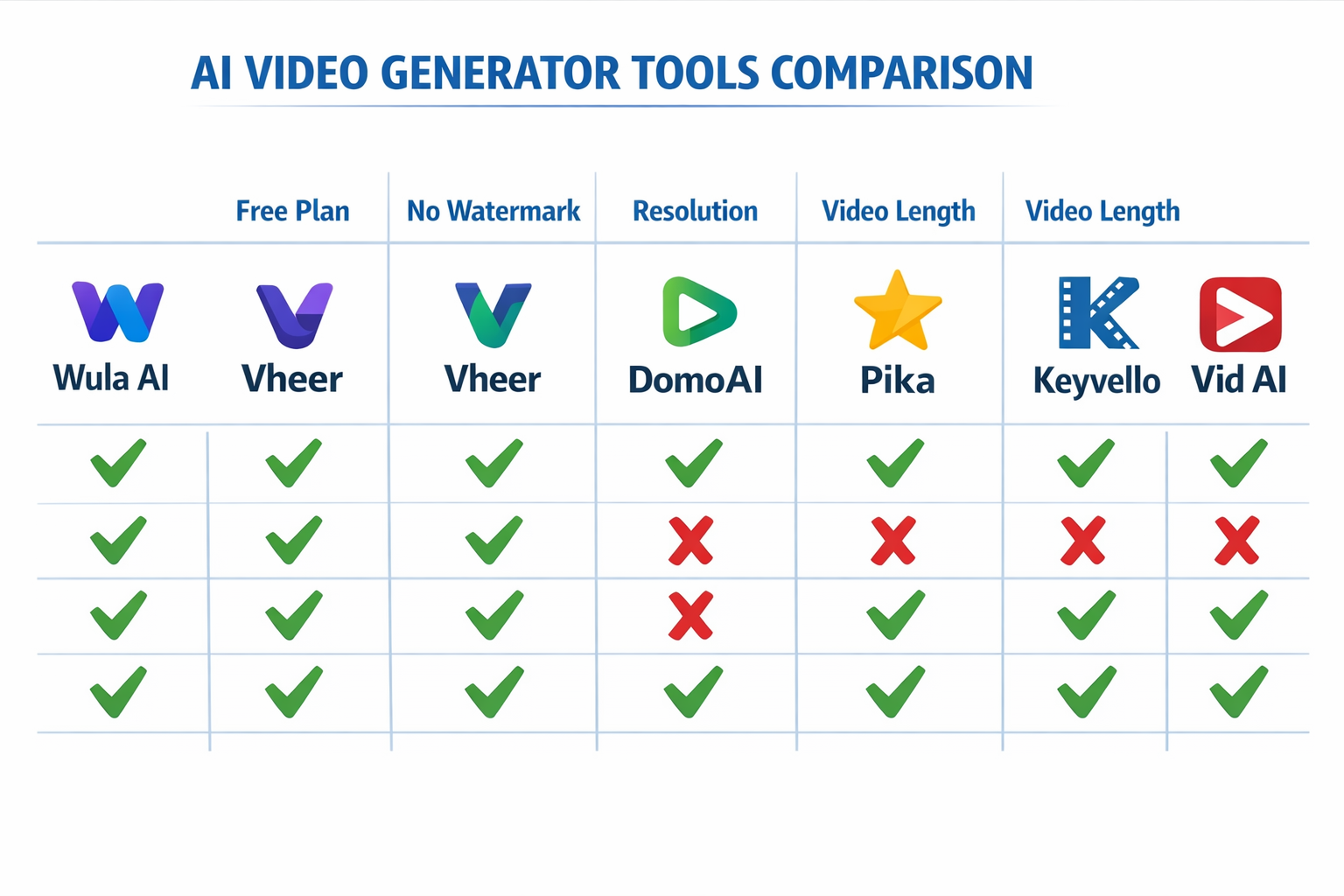
Here are the most reliable free AI video generators that offer watermark-free exports as of 2026. Each has been tested or reviewed based on publicly available information.
| Tool | Free Plan | No Watermark | Video Length | Commercial Use |
|---|---|---|---|---|
| Wula AI | ✅ Yes | ✅ Yes | Up to 30s | Check ToS |
| Vheer | ✅ Yes | ✅ Yes | Short clips | Limited |
| DomoAI | ✅ Yes (credits) | ✅ Yes | Varies | Check ToS |
| Pika AI | ✅ Yes | ✅ Yes | 3–5s | Check ToS |
| Keyvello | ✅ Yes | ✅ Yes | Short | Limited |
| Vid AI | ✅ Yes | ⚠️ Partial | Varies | Check ToS |
“Watermark-free on the free plan” is a feature that changes with platform updates — always verify before building a workflow around any tool.”
Wula AI: Best No-Login Option
Wula AI is one of the few tools that doesn’t require account creation and still delivers watermark-free video output. It’s ideal for creators who want to test AI video generation without committing to a platform. The trade-off is lower resolution compared to paid tools, but for social media clips and quick demos, it holds up well.
Vheer: Clean Exports for Image and Video
Vheer handles both image and video generation on its free plan, with no visible watermark on exports. It’s a solid choice for creators who need both formats from a single tool. Free users get a limited number of generations per day, so plan your usage accordingly.
DomoAI: Strong Quality, Credit-Based Free Tier
DomoAI uses a credit system on its free plan. New users get enough credits to test the tool meaningfully, and exports come out clean. It’s particularly good for stylized video content and animation-style outputs.
Pika AI: Short Clips, No Watermark
Pika AI generates short video clips (typically 3–5 seconds) on its free tier without adding a watermark. It’s best for motion graphics and short social content rather than longer narrative video.
Keyvello: Built for Faceless Creators
Keyvello targets faceless content creators specifically. Its free plan includes watermark-free exports and is designed for creators building YouTube automation or similar content pipelines.
What “Free” Actually Means: Limits to Know Before You Start
Free AI video tools almost always have at least one of these restrictions:
- Generation credits: You get X videos per month, then you’re cut off or throttled
- Resolution caps: Free exports may be limited to 720p or lower
- Video length: Most free tiers cap at 3–10 seconds per clip
- Commercial rights: Some tools allow personal use only on free plans
- Queue priority: Free users wait longer for renders during peak times
Choose a free tool if: You’re testing concepts, creating short social clips, or building a portfolio without a budget.
Upgrade to paid if: You need consistent output, longer videos, 1080p+ resolution, or confirmed commercial rights.
How to Find Which Free AI Video Generator Has No Watermark for Your Use Case

Not every watermark-free tool suits every creator. Here’s a simple decision framework:
For short social media clips (under 10 seconds):
→ Try Pika AI or Wula AI first. Both are fast, free, and clean on export.
For faceless YouTube content:
→ Keyvello or Vid AI are built for this workflow.
For stylized or animated video:
→ DomoAI handles style transfer and animation better than most free tools.
For marketing video ads:
→ Check out tools reviewed in the AI video and media tools category for options with ad-specific features.
For lip-sync or talking portrait video:
→ Float by DeepBrain AI and LatentSync both offer free tiers worth testing for this specific use case.
Step-by-step process for testing any free tool:
- Sign up (or use no-login access where available)
- Generate one test video with a simple prompt
- Download the output and inspect it at 100% zoom for watermarks
- Check the terms of service for commercial use language
- Test the credit reset cycle before committing to a workflow
Common Mistakes When Searching for Watermark-Free AI Video Tools
Mistake 1: Trusting the marketing page without testing
Many tools say “free” but only offer a watermarked preview. The actual download requires a paid plan. Always download and inspect the file.
Mistake 2: Ignoring the license
Watermark-free doesn’t automatically mean you can monetize the video. Some free plans restrict commercial use. Read the terms before publishing to a monetized channel.
Mistake 3: Assuming the free tier is permanent
Platforms change their pricing frequently. A tool that’s watermark-free today may add watermarks to free exports after a pricing update. Build backup options into your workflow.
Mistake 4: Overlooking resolution
A watermark-free 480p video may look worse on YouTube than a watermarked 1080p clip. Consider whether resolution matters more than watermark removal for your specific use.
Are There Fully Free AI Video Generators With No Watermark and No Limits?
Honestly, no — not in 2026. Every tool has some form of limitation on its free tier. The closest options are tools with generous free credits that reset monthly, like DomoAI and Wula AI.
If you need truly unlimited, watermark-free AI video generation, open-source tools run locally (like some Stable Diffusion video models) are the only real option — but they require technical setup and decent hardware.
For most creators, the best approach is combining two or three free tools to stay within each platform’s limits while keeping output clean and professional.
FAQ
Q: Which free AI video generator has no watermark and no sign-up required?
A: Wula AI is the strongest option for no-login, watermark-free video generation in 2026. Quality is limited compared to paid tools, but it works for quick clips.
Q: Does Pika AI add a watermark on its free plan?
A: No, Pika AI’s free tier does not add a visible watermark to exported videos as of 2026, though clips are limited to a few seconds.
Q: Can I use free AI video generators for commercial projects?
A: It depends on the tool. Many free plans restrict commercial use. Always check the terms of service before monetizing content made with a free AI video tool.
Q: How many free videos can I generate per month on these tools?
A: It varies. Most tools offer between 5 and 30 free generations per month. DomoAI and Wula AI tend to be more generous than average.
Q: Is there a free AI video generator with 1080p output and no watermark?
A: Most free tiers cap at 720p. Some tools offer 1080p on free plans during promotional periods, but this isn’t consistent. Check current plans directly on each tool’s site.
Q: What’s the difference between a watermark-free preview and a watermark-free download?
A: A preview plays clean in the browser but adds a watermark when you download. Always download the file and check before assuming it’s clean.
Q: Are open-source AI video tools a good alternative?
A: Yes, if you have technical skills and suitable hardware. Tools built on open-source video diffusion models can generate watermark-free video with no usage limits, but setup is not beginner-friendly.
Q: Do free AI video tools own the rights to videos I create?
A: Most platforms grant you ownership of the output, but some retain a license to use your generations for training or marketing. Read the terms carefully.
Conclusion: Actionable Next Steps
The answer to “which free AI video generator has no watermark?” isn’t one tool — it’s a shortlist of options matched to your specific needs. Here’s what to do right now:
- Start with Wula AI or Pika AI for the fastest, cleanest free output with no watermark
- Try DomoAI if you need stylized or animated video with more creative control
- Use Keyvello if you’re building a faceless content channel and need a repeatable workflow
- Always download a test export before building a production workflow around any free tool
- Read the commercial use terms before publishing monetized content
Free tools are genuinely useful for testing, prototyping, and low-volume content. For anything at scale, budget at least a basic paid plan — the time saved and quality gained almost always justify the cost.
References
- Wula AI official platform (2025) — wulaai.com
- Pika Labs product documentation (2024) — pika.art
- DomoAI platform terms and free tier details (2025) — domoai.app
- ReviewNexa AI Video Tool Reviews (2025–2026) — reviewnexa.com/category/ai-video-media-tools/