


Quick Answer: For most product demos in 2026, Trupeer is the strongest choice if you need screen-based SaaS demos, while Ozor AI and Ngram AI lead for marketing-focused product videos. The right pick depends on your product type, whether you need an on-screen presenter, and your budget. Read on for a full breakdown.
Key Takeaways
- There is no single “best” AI video generator for all product demos — the right tool depends on your product type, audience, and distribution channel.
- Screen-recorded SaaS demos are best served by tools like Trupeer, which turns raw recordings into polished videos automatically.
- Marketing and ad-style demos benefit from tools like Ozor AI or Tagshop AI, which are built around conversion-focused formats.
- Avatar or presenter-led demos work well with Float (DeepBrain AI) or GeneFace for a human-feeling walkthrough.
- Faceless or voiceover-only demos are a strong option for budget-conscious teams using tools like Keyvello or Wula AI.
- Pricing ranges from free tiers to $100+/month for professional plans — match the tool to your output volume.
- Lip-sync quality, voice naturalness, and export resolution are the three biggest quality differentiators in 2026.
- Always test a tool with your actual product footage before committing to a paid plan.
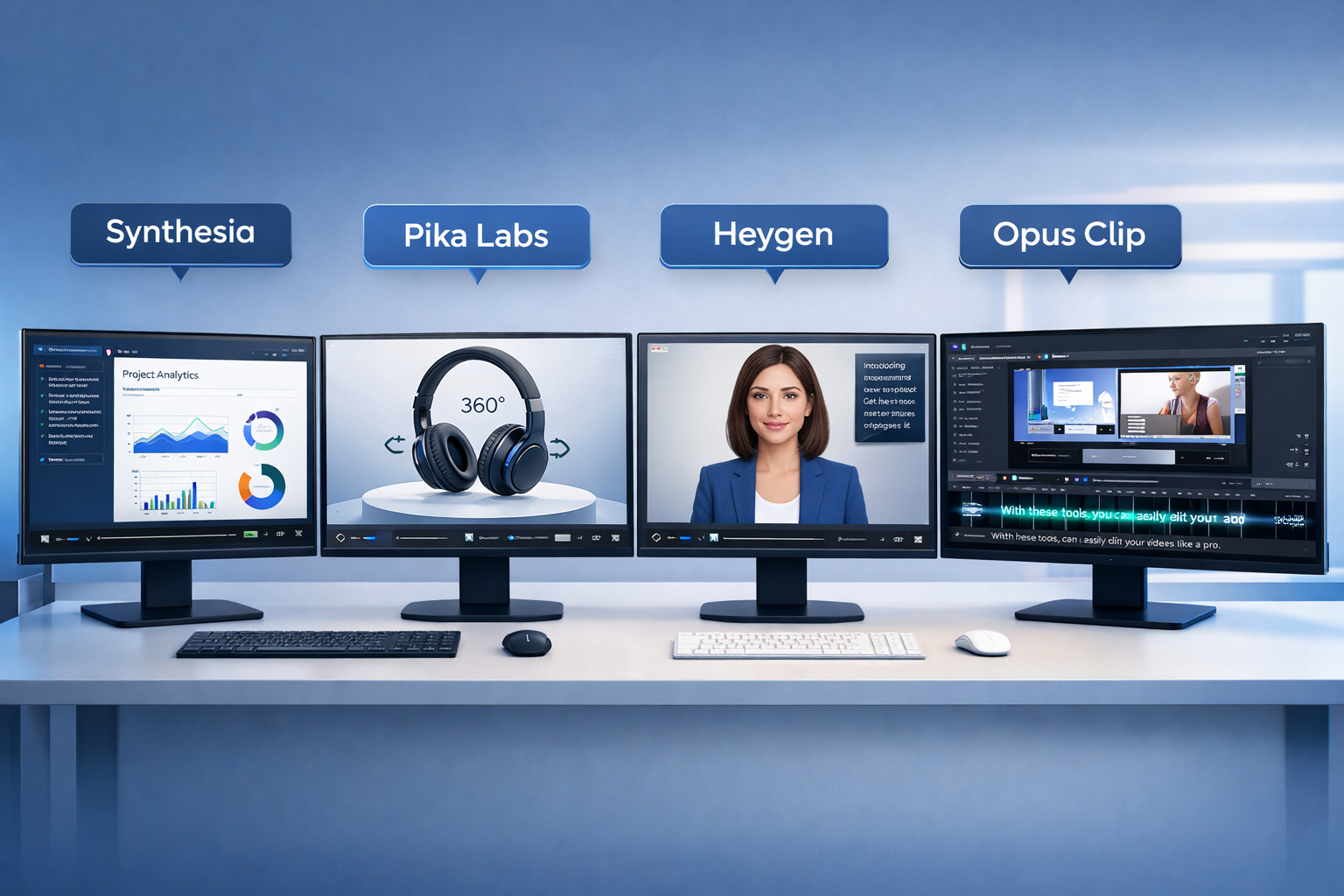
What Makes an AI Video Generator Good for Product Demos?
The best AI video generator for product demos must do three things well: present the product clearly, hold viewer attention, and produce output that looks professional enough to publish without heavy editing.
Product demos have specific demands that general video tools often miss:
- Clarity of UI or product detail — the video must show what the product actually does
- Voiceover or presenter quality — robotic narration kills credibility
- Screen capture integration — especially critical for SaaS and app demos
- Export quality — at minimum 1080p for web; 4K for paid ad placements
- Editing speed — teams need to iterate fast, especially for A/B testing
“A product demo video is not a brand film. It needs to answer one question fast: does this solve my problem?”
Tools that excel at general content creation (like short-form social clips) often fall short here because they prioritize visual flair over product clarity.
Which AI Video Generator Is Best for Product Demos? Top Tools Compared
Here is a direct comparison of the leading tools in 2026, grouped by use case.
| Tool | Best For | Presenter Option | Screen Record | Starting Price |
|---|---|---|---|---|
| Trupeer | SaaS / software demos | No | Yes | Freemium |
| Ozor AI | Marketing product videos | No | No | Paid |
| Ngram AI | Script-first walkthroughs | No | Limited | Paid |
| Float (DeepBrain AI) | Avatar-led demos | Yes | No | Paid |
| Tagshop AI | E-commerce product ads | No | No | Paid |
| Keyvello | Faceless / voiceover demos | No | No | Freemium |
| Fluent Frame AI | General product promos | No | No | Paid |
Choose Trupeer if you’re demoing software or a SaaS product and want to turn a screen recording into a polished video with minimal effort. Our Trupeer review covers how it handles auto-editing, zoom effects, and AI voiceover layering in detail.
Choose Ozor AI if your goal is a short, conversion-focused marketing video for paid ads or landing pages. See the full Ozor AI review for output quality examples.
Choose Float (DeepBrain AI) if your demo needs a human presenter for trust-building, especially in B2B sales contexts. The Float DeepBrain AI review breaks down avatar realism and voice sync quality.
Screen Recording vs. Avatar vs. Faceless: Which Demo Style Converts Best?
The format you choose shapes the tool you need. Each style has a different conversion profile depending on your audience.
Screen recording demos work best for SaaS, apps, and technical products. They show the actual product in action, which builds trust faster than any animation. Trupeer is purpose-built for this format.
Avatar-led demos add a human face to the explanation, which can increase watch time for complex or high-ticket products. Float (DeepBrain AI) and GeneFace are the strongest options here. Check out the GeneFace review if realistic 3D talking heads are a priority.
Faceless voiceover demos pair product visuals or screen footage with AI narration and background music. They’re fast to produce and cost-effective. Keyvello and Wula AI handle this format well.
Common mistake: Teams often default to avatar demos because they look impressive, but for a technical SaaS product, a clean screen recording with a clear voiceover will almost always outperform a synthetic presenter.
How Do Ngram AI and Fluent Frame AI Handle Product Demos?
Both tools take a script-first approach, which suits teams that already know what they want to say.
Ngram AI is built around turning a written script into a structured video with scenes, transitions, and voiceover. It works well for explainer-style product demos where the narrative matters as much as the visuals.
Fluent Frame AI focuses on professional-looking output with minimal input, making it a solid choice for teams that need polished marketing videos quickly without a dedicated video editor.
Edge case: If your product demo needs to be updated frequently (for example, a SaaS product with regular UI changes), script-first tools can become a bottleneck. Screen-capture tools like Trupeer are easier to re-record and re-process.
What About E-Commerce Product Demos?
E-commerce demos have different needs: they’re typically short (15–30 seconds), visually product-focused, and designed for social media or ad placements.
Tagshop AI is built specifically for this use case, pulling in product images and generating ad-ready video clips. It’s not designed for long-form walkthroughs, but for short product showcases on Instagram, TikTok, or Google Ads, it’s one of the most efficient tools available in 2026.
For e-commerce teams that also need strong product photography to feed into video creation, Pikes AI is worth reviewing as a complementary tool.
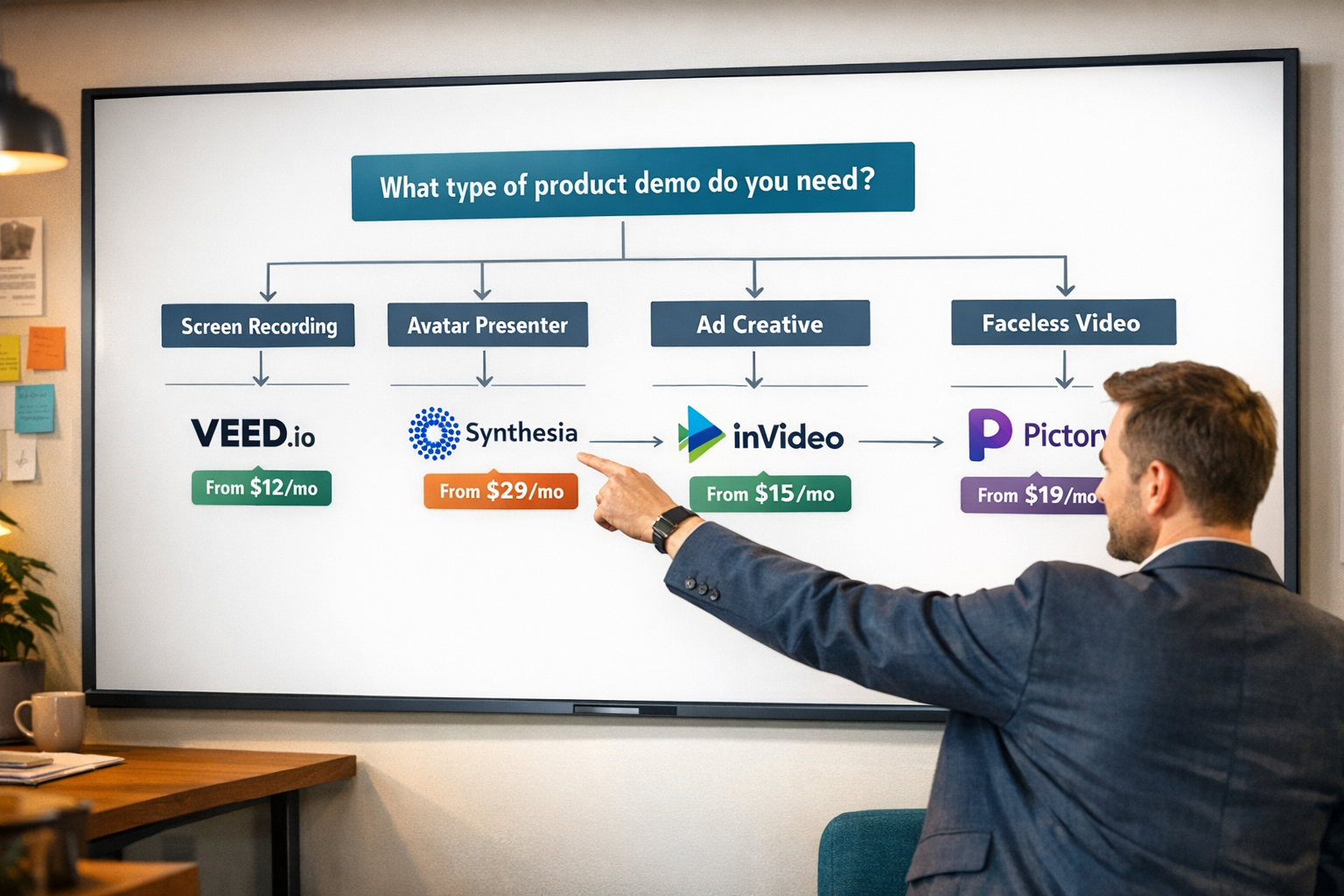
Which AI Video Generator Is Best for Product Demos on a Budget?
Free and freemium options exist, but they come with trade-offs in export quality, watermarks, and render limits.
Best free/freemium options:
- Trupeer — generous free tier for screen-based demos
- Keyvello — freemium with faceless video output
- Wula AI — no-login access for quick test runs
What you give up on free plans: Higher resolution exports, commercial use rights, and access to premium AI voices are typically locked behind paid tiers. If you’re creating demos for a paid product or client, budget at least $20–$50/month for a tool that removes these restrictions.
For a broader look at the AI video tool landscape, the AI video and media tools category on ReviewNexa covers dozens of tested options across price points.
Step-by-Step: How to Choose the Right Tool for Your Demo
- Define your product type — physical, digital/SaaS, or e-commerce
- Decide on format — screen recording, avatar, or faceless voiceover
- Set your distribution channel — website, social media, sales outreach, or paid ads
- Check export requirements — resolution, aspect ratio, file format
- Test with real footage — use the free tier or trial before paying
- Evaluate voice quality — listen critically; robotic voices reduce trust
- Check update speed — how fast can you re-create if the product changes?
FAQ
Q: Can AI video generators replace a professional video production team for product demos?
For simple SaaS demos or short ad-style clips, yes. For high-budget brand films or complex physical product showcases requiring studio lighting, no. AI tools are best for speed and volume, not cinematic quality.
Q: How long should an AI-generated product demo video be?
For SaaS and software demos, 60–3 minutes works well. For social media ads and e-commerce, 15–45 seconds is the sweet spot. Longer demos suit sales enablement and onboarding contexts.
Q: Do AI video generators handle technical SaaS products well?
Yes, especially screen-recording tools like Trupeer. They capture the actual interface and add professional polish without requiring you to explain the UI through animation.
Q: What’s the biggest quality issue with AI-generated product demo videos?
Voice naturalness is the most common complaint. Robotic or monotone AI voices undermine product credibility. Prioritize tools with neural voice options and test them with your actual script.
Q: Can I use AI-generated product demo videos for paid advertising?
Most paid plans allow commercial use, but always check the terms. Free tiers often restrict commercial rights. Tools like Tagshop AI and Ozor AI are explicitly designed for ad placements.
Q: How do I avoid a demo video that looks obviously AI-generated?
Use real product screenshots or screen recordings as the base, choose natural-sounding voices, add subtle transitions rather than flashy effects, and keep the pacing close to how a real person would present.
Q: Is lip-sync quality important for product demos?
Only if you’re using an avatar presenter. For screen demos or faceless voiceover videos, lip-sync is irrelevant. If you do need it, check our LatentSync review for current quality benchmarks.
Q: Which tool is best for a non-technical founder creating their first product demo?
Trupeer for SaaS, Keyvello for faceless content, or Fluent Frame AI for a polished marketing video. All three have low learning curves and don’t require video editing experience.
Conclusion: Actionable Next Steps
Answering “which AI video generator is best for product demos?” honestly means accepting that the answer depends on your product type, your audience, and how you plan to use the video.
Here’s what to do right now:
- Identify your format first (screen recording, avatar, or faceless) before comparing tools.
- Start with Trupeer if you have a SaaS or software product — it’s the most purpose-built option available in 2026.
- Use Ozor AI or Tagshop AI if your primary goal is a short, conversion-focused ad or landing page video.
- Test on the free tier before spending money — most tools offer enough access to judge output quality.
- Prioritize voice quality above visual effects when evaluating any tool.
The AI video generation space is moving fast. What works best today may shift by Q3 2026 as new tools launch and existing ones improve. Bookmark the ReviewNexa AI video tools section for ongoing, tested reviews as the landscape evolves.
References
- Trupeer product page and feature documentation — Trupeer.ai (2025)
- DeepBrain AI / Float product documentation — DeepBrain.ai (2025)
- Tagshop AI feature overview — Tagshop.ai (2025)
- ReviewNexa tested tool reviews — ReviewNexa.com (2025–2026)