

Quick Answer: You can convert long videos to shorts with AI automatically by uploading your video to an AI clipping tool (such as Opus Clip, Vidyo.ai, or Descript), letting the AI detect the most engaging moments, auto-crop to vertical format, add captions, and export ready-to-publish short clips. The entire process takes minutes, not hours, and requires no manual editing skills.
Key Takeaways
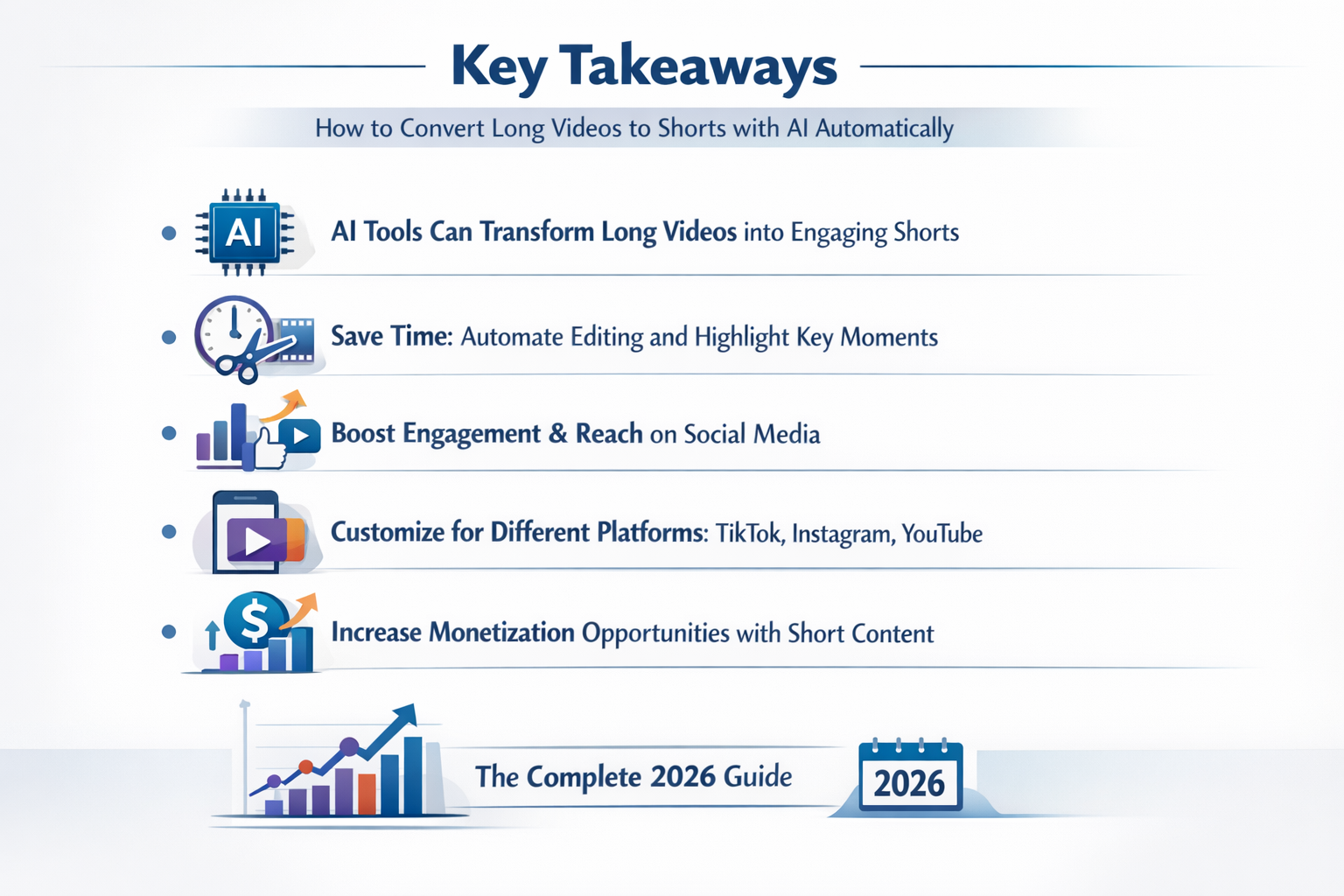
- AI video clipping tools analyze transcripts, engagement signals, and scene changes to find the best moments automatically.
- Most tools output vertical (9:16) clips optimized for TikTok, YouTube Shorts, and Instagram Reels in one click.
- Auto-captioning is included in nearly every major AI shorts tool as of 2026, saving significant post-production time.
- Free tiers exist but typically limit exports to 3–10 clips per month; paid plans range from roughly $15 to $60/month.
- The biggest quality factor is your source video: clear audio and strong content structure produce far better AI clips.
- Batch processing lets you convert entire video libraries, not just single files.
- Human review of AI-selected clips is still recommended before publishing, especially for brand-sensitive content.
Why Converting Long Videos to Shorts Matters in 2026
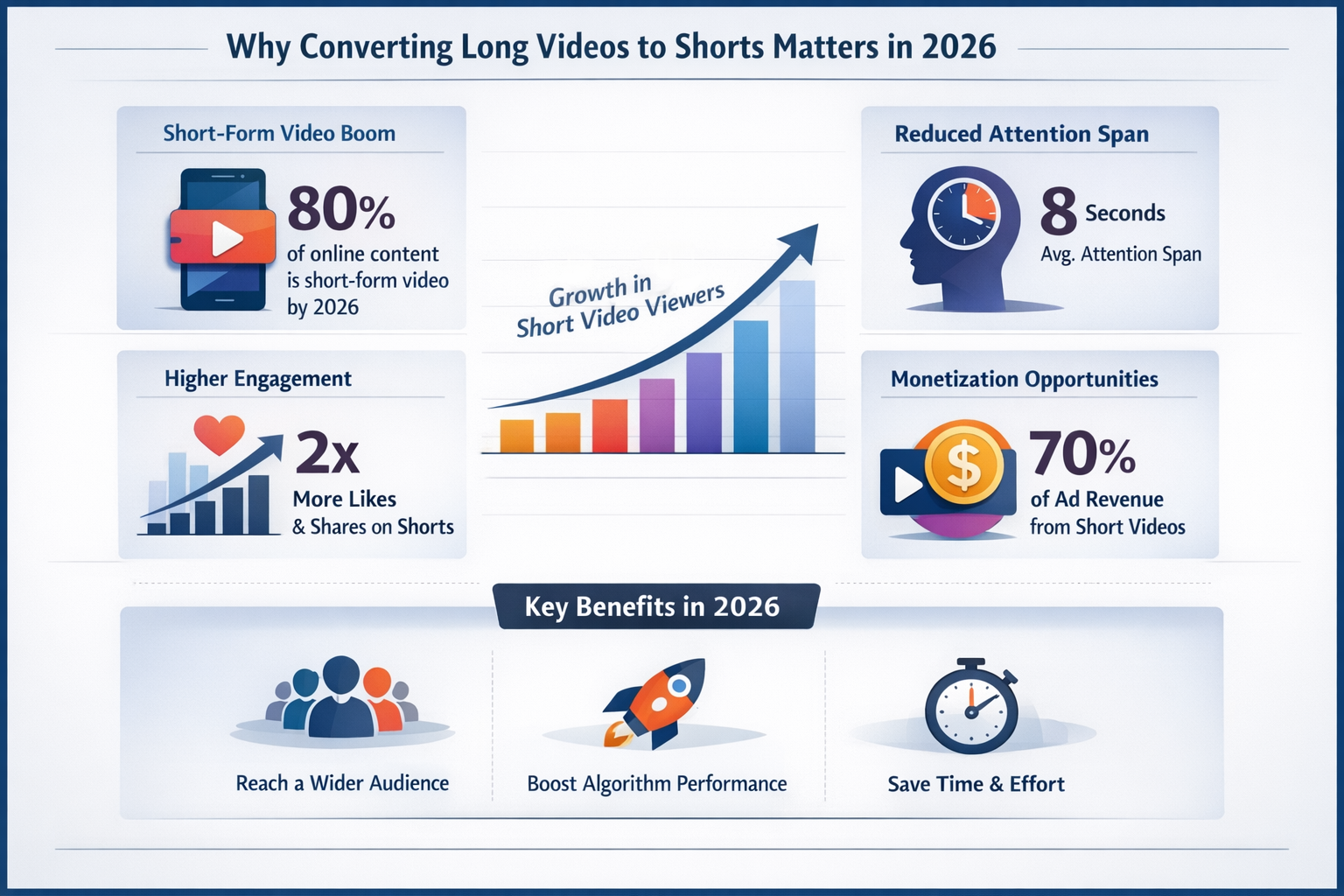
Short-form video now drives the majority of organic reach on social platforms. According to HubSpot’s 2024 State of Marketing report, short-form video delivers the highest ROI of any content format for the third consecutive year. If you’re sitting on a library of webinars, podcasts, or long YouTube videos, you’re leaving reach on the table every day you don’t repurpose them.
The challenge used to be time. Manually cutting a 60-minute webinar into 10 usable clips could take a skilled editor three to four hours. AI changes that equation completely.
How to Convert Long Videos to Shorts with AI Automatically: Step-by-Step
The core process has five steps, and most tools handle steps two through four entirely on their own.
Here’s exactly how it works:
- Upload your source video. Most tools accept MP4, MOV, or a direct YouTube/Vimeo link. File size limits vary (typically 2GB to 10GB on paid plans).
- AI transcribes the audio. The tool generates a full transcript, which it uses to identify key topics, hooks, and quotable moments.
- The algorithm scores segments. AI models evaluate factors like speaker energy, keyword density, sentence completeness, and pacing to rank which moments are most likely to perform.
- Auto-formatting is applied. The tool crops to 9:16 vertical format, centers the speaker’s face using face-tracking, and adds animated captions.
- You review and export. You get a list of suggested clips (usually 5–15 per hour of footage). You approve, tweak titles or captions if needed, and download or publish directly.
Common mistake: Skipping step five entirely. AI gets the selection right maybe 70–80% of the time. A 30-second review prevents publishing a clip that starts mid-sentence or ends abruptly.
Which AI Tools Actually Work for Automatic Video-to-Shorts Conversion?
Several tools do this well in 2026, but they differ in clip quality, pricing, and platform integrations. Here’s a practical comparison:
| Tool | Best For | Free Tier | Starting Price |
|---|---|---|---|
| Opus Clip | Creators, podcasters | 60 min/month | ~$19/month |
| Vidyo.ai | Teams, agencies | Limited exports | ~$29/month |
| Descript | Podcast + video editors | 1 hour transcription | ~$24/month |
| LumeFlow AI | Batch automation | No | ~$39/month |
| Vid AI | YouTube repurposing | Trial only | ~$19/month |
Choose Opus Clip if you’re a solo creator repurposing podcasts or interviews. Choose Vidyo.ai if you need team collaboration and brand kit features. Choose Descript if you also want to edit the transcript directly to fix what the AI missed.
For creators focused on fully automated faceless content pipelines, tools like FacelessReels and Keyvello extend the workflow beyond clipping into full video generation.
What Makes AI Video Clipping Accurate (and What Limits It)?
AI clip selection accuracy depends heavily on audio clarity and content structure. The better your source material, the better the output.
Factors that improve AI accuracy:
- Clear, single-speaker audio with minimal background noise
- Structured content with distinct topic shifts (interviews, tutorials, presentations)
- Conversational hooks like questions, surprising statements, or strong opinions
- Consistent pacing without long pauses or filler sections
Factors that hurt accuracy:
- Multiple overlapping speakers
- Heavy background music competing with speech
- Highly technical jargon the AI hasn’t been trained to prioritize
- Very long monologues without natural breakpoints
Edge case: If your video is a screen recording or tutorial without a visible speaker, face-tracking features won’t apply. Tools like Trupeer AI are specifically built for screen recording repurposing and handle this scenario better than general-purpose clipping tools.
How to Convert Long Videos to Shorts with AI Automatically: Platform-Specific Tips
Different platforms have different requirements, and AI tools increasingly let you target a specific platform before exporting.
- YouTube Shorts: Maximum 60 seconds, 9:16 ratio, captions strongly recommended. Most AI tools default to this format.
- TikTok: 15–60 seconds performs best. TikTok’s own algorithm rewards native uploads over reposts, so avoid watermarks from other tools.
- Instagram Reels: Up to 90 seconds. Hook in the first 2 seconds matters most. AI tools that score “hook strength” are especially useful here.
- LinkedIn: Horizontal (16:9) or square (1:1) often outperforms vertical on LinkedIn. Check if your tool offers format switching.
For marketing-focused video automation, tools like Ozor AI and Frameloop AI include platform-specific export presets that handle these specs automatically.
How Much Does AI Video-to-Shorts Conversion Cost?
Most AI clipping tools cost between $15 and $60 per month for individual creators, with agency plans reaching $100–$200/month.
Free tiers are genuinely useful for testing but limited in practice. Here’s what you typically get at each price point:
- Free ($0): 3–10 clip exports/month, watermarked output, basic captions
- Starter ($15–$25/month): 50–100 clips/month, no watermark, auto-captions, 1 brand kit
- Pro ($30–$60/month): Unlimited or high-volume exports, team seats, direct publishing, advanced analytics
- Enterprise ($100+/month): API access, custom AI training, dedicated support
For teams producing content at scale, the time savings alone justify the cost. A $40/month tool that saves four hours of editing per week pays for itself in the first day.
What Are the Best Practices for Reviewing AI-Generated Shorts?
AI does the heavy lifting, but a quick human review before publishing protects your brand and improves performance.
A practical review checklist:
- ✅ Does the clip start with a strong hook (not mid-sentence)?
- ✅ Is the ending complete, not cut off abruptly?
- ✅ Are captions accurate, especially for names, brands, or technical terms?
- ✅ Is the speaker’s face properly centered throughout?
- ✅ Does the clip make sense without the context of the full video?
- ✅ Is the audio volume consistent (no sudden drops or spikes)?
Most tools let you trim start/end points by a few seconds without leaving the platform. Use that feature. It takes 30 seconds and meaningfully improves clip quality.
Frequently Asked Questions
Q: Can I convert long videos to shorts with AI automatically for free?
Yes. Tools like Opus Clip, Vidyo.ai, and Descript all offer free tiers. Expect watermarks and limited monthly exports (typically 3–10 clips) on free plans.
Q: How long does AI video clipping take?
Most tools process one hour of video in 5–15 minutes, depending on server load and file size. Some tools offer priority processing on paid plans.
Q: Does AI automatically add captions to short clips?
Yes. Auto-captioning is a standard feature in virtually every major AI clipping tool as of 2026. Accuracy is typically 90–95% for clear English speech; review captions for proper nouns and technical terms.
Q: Can I use AI to clip videos in languages other than English?
Many tools now support Spanish, French, German, Portuguese, and other major languages. Check each tool’s language support page before committing to a plan.
Q: Will the AI-generated shorts have watermarks?
Free plans almost always include watermarks. Paid plans remove them. If you’re publishing commercially, a paid plan is worth it.
Q: How many shorts can I get from a one-hour video?
Typically 8–15 clips per hour of content, depending on your settings and content density. You can usually adjust the minimum and maximum clip length.
Q: Is it better to use AI clipping or hire a video editor?
For volume and speed, AI wins. For highly nuanced storytelling or brand-critical content, a human editor adds value AI can’t replicate yet. Many creators use both: AI for volume, editors for hero content.
Q: Can AI tools publish directly to TikTok or YouTube Shorts?
Several tools (Vidyo.ai, Opus Clip) offer direct publishing integrations. Check platform-specific API limitations, as these change frequently.
Q: What video formats do AI clipping tools accept?
Most accept MP4, MOV, and AVI. Many also accept direct YouTube, Vimeo, or Loom links, which is convenient for repurposing existing content.
Q: Does video quality affect AI clipping accuracy?
Yes. 1080p source video produces better face-tracking and visual quality in exports. 720p is usually acceptable; anything lower may cause issues with auto-cropping.
Conclusion: Start Converting Your Video Library Today
Learning how to convert long videos to shorts with AI automatically is one of the highest-leverage content moves you can make in 2026. You likely already have hours of valuable video sitting unused. AI tools turn that archive into a consistent stream of short-form content without requiring editing expertise or extra hours.
Your next steps:
- Pick one tool from the comparison table above and sign up for a free trial.
- Upload one long video (a webinar, podcast episode, or YouTube video works well).
- Review the AI-suggested clips using the checklist in this guide.
- Publish two or three clips to your preferred platform and track performance.
- Once you see results, set up a repeatable batch workflow for your entire library.
The tools exist. The process is straightforward. The only thing left is to start.
For more AI video tool reviews and comparisons, browse the full AI video and media tools category on ReviewNexa.
References
- HubSpot. (2024). State of Marketing Report 2024. https://www.hubspot.com/state-of-marketing
- Opus Clip. (2024). How Opus Clip Works. https://www.opus.pro
- Vidyo.ai. (2024). Product Documentation. https://vidyo.ai
- Descript. (2024). Descript Features Overview. https://www.descript.com