

Quick Answer: Yes, free AI video watermark removal tools exist and some genuinely work — but results depend heavily on watermark type, video resolution, and the tool’s inpainting algorithm. The best free options in 2026 include HitPaw Video Object Remover (free tier), Unscreen, and open-source tools like DeWatermark. Static, semi-transparent watermarks are easiest to remove; animated or burned-in logos are significantly harder. Always verify you have the legal right to remove a watermark before proceeding.
Key Takeaways
- Free AI watermark removal tools do exist, but most cap output quality, resolution, or export length on free plans.
- Static watermarks (corner logos, text overlays) are far easier to remove than animated or embedded watermarks.
- AI inpainting is the core technology — it reconstructs the pixels underneath a watermark using surrounding visual data.
- Legal risk is real. Removing watermarks from content you don’t own may violate copyright law or platform terms of service.
- Best free tools in 2026: HitPaw Video Object Remover, Unscreen, DeWatermark, CapCut’s eraser feature, and Apowersoft Online Watermark Remover.
- Quality drops when background detail is complex — a watermark over a busy scene is much harder to clean than one over a plain background.
- Open-source options (Python-based tools using ProPainter or E2FGVI models) offer the most control but require technical setup.
- Always check the source video’s license before removing any watermark — this is non-negotiable.
What Are AI Video Watermark Removal Free Tools That Actually Work?
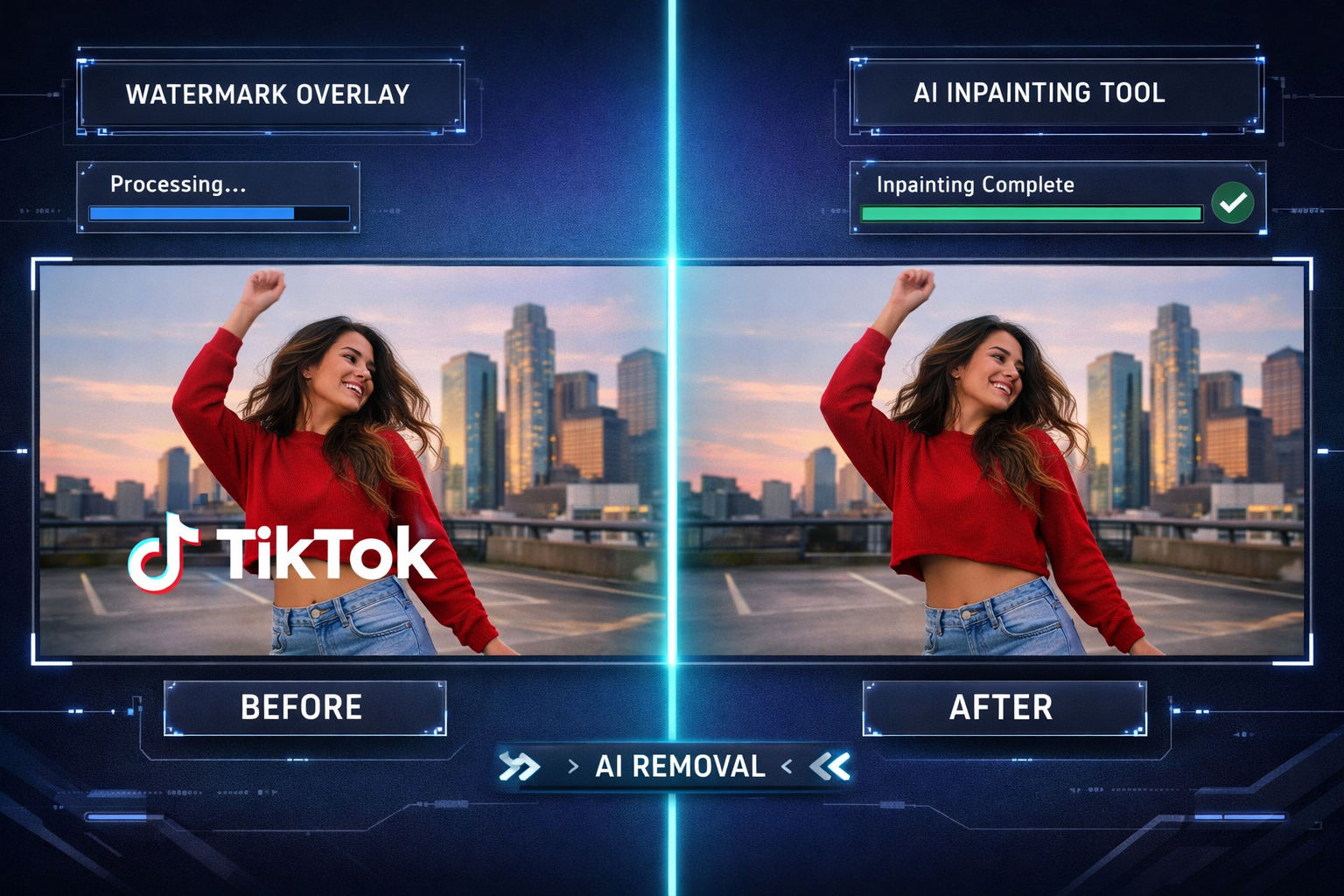
Free AI watermark removal tools use machine learning — specifically inpainting models — to detect a watermark’s location and reconstruct the video pixels underneath it. The best ones work by analyzing neighboring frames and surrounding pixel data to fill in what was hidden.
These tools fall into three categories:
- Browser-based tools (no installation, limited output quality)
- Desktop software with free tiers (better quality, often watermarked output or length caps)
- Open-source models (best quality, requires Python/GPU setup)
Who this is for: Content creators editing their own footage, marketers repurposing licensed assets they own, or developers testing AI video pipelines.
Who this is NOT for: Anyone trying to remove watermarks from stock footage, copyrighted videos, or content they don’t own the rights to.
Which Free Tools Actually Remove Watermarks From Video in 2026?
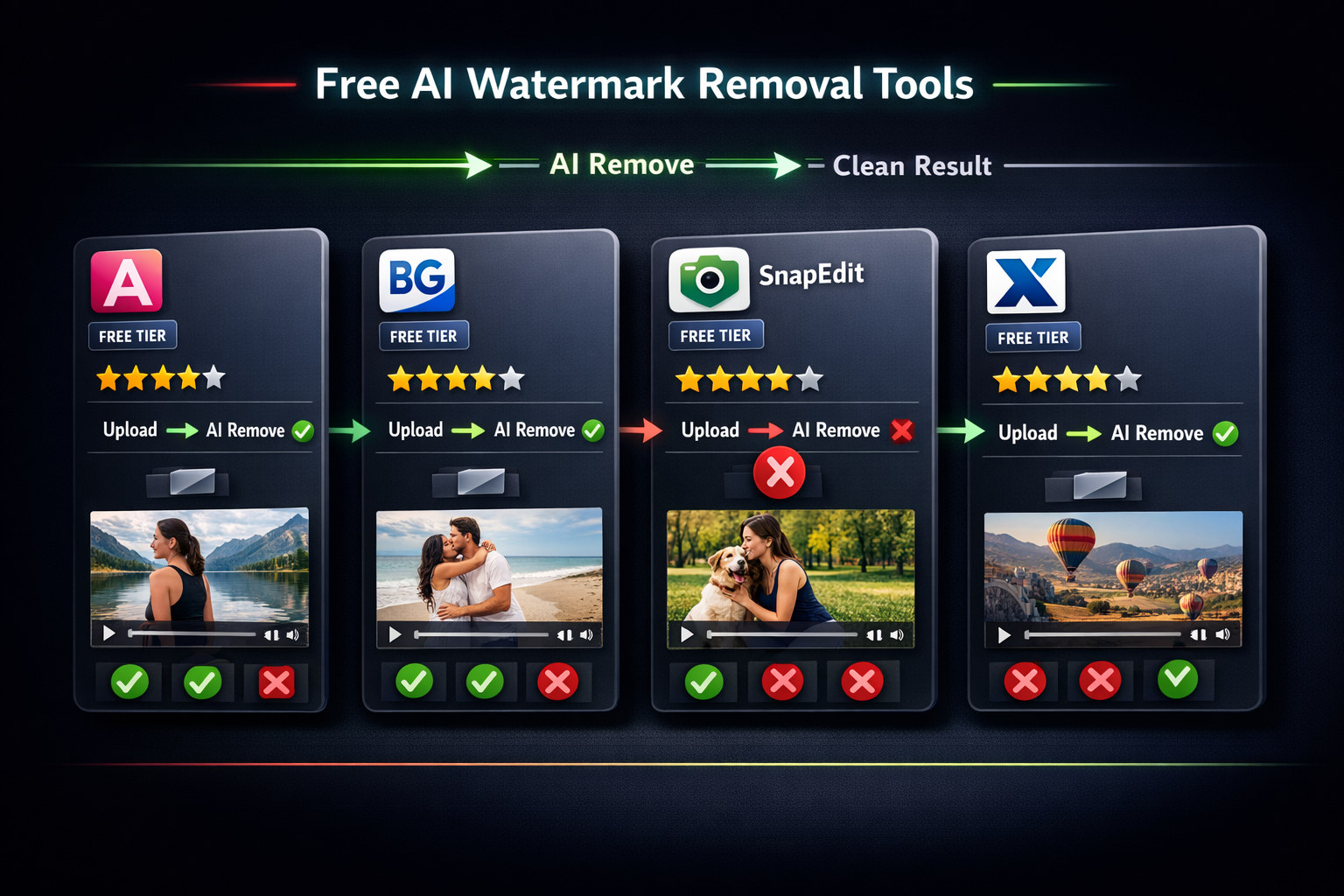
Several tools deliver real results on free plans, though each has trade-offs. Here’s a direct breakdown:
| Tool | Free Tier Limits | Best For | Output Quality |
|---|---|---|---|
| HitPaw Video Object Remover | 3 exports/month, watermark on output | Static logos, text overlays | ★★★★☆ |
| Unscreen | Short clips only (5 sec free) | Background/logo removal | ★★★☆☆ |
| CapCut Eraser | Limited to mobile, some features gated | Quick social media edits | ★★★☆☆ |
| Apowersoft Online | 1 video/day, max 100MB | Simple watermarks | ★★★☆☆ |
| DeWatermark (open-source) | Unlimited (self-hosted) | Developers, batch processing | ★★★★★ |
| ProPainter (GitHub) | Unlimited (GPU required) | Complex scenes, best quality | ★★★★★ |
Decision rule: Choose a browser tool if you need a quick one-off fix on a simple watermark. Choose an open-source model if you process videos regularly or need the highest quality output.
For creators already working with AI video platforms, tools like Vid AI and Fluent Frame AI sometimes include built-in object removal features worth checking before downloading separate software.
How Does AI Watermark Removal Actually Work?
The core technology is video inpainting — an AI process that treats the watermark area as a “hole” and fills it in using data from surrounding pixels and adjacent video frames.
Here’s the basic process:
- Detection: The AI identifies the watermark region (either automatically or via a user-drawn mask).
- Masking: The watermark area is isolated frame-by-frame.
- Inpainting: The model reconstructs missing pixels using temporal data (nearby frames) and spatial data (surrounding pixels in the same frame).
- Output: Frames are stitched back into a video file.
Why results vary: A watermark sitting over a plain white wall is easy to reconstruct. The same watermark over a person’s moving face? The AI has to guess what was underneath — and it often guesses wrong, leaving blurry or smeared artifacts.
Common mistake: Users expect 100% clean results on every video. In reality, complex backgrounds, high-motion scenes, and semi-opaque watermarks all reduce output quality significantly.
Are These Tools Legal to Use?
This is where most guides skip the honest answer. Legality depends on two things: what you’re removing and who owns the content.
- ✅ Legal: Removing a watermark from footage you shot yourself, or from assets you’ve licensed with explicit permission to modify.
- ✅ Legal: Removing a preview watermark after purchasing a stock video license.
- ❌ Illegal in most jurisdictions: Removing watermarks from copyrighted content you don’t own, especially under the DMCA (US) or equivalent laws in the EU and UK.
- ❌ Against platform ToS: Removing watermarks from TikTok, Shutterstock, or Getty videos violates their terms, regardless of personal use intent.
“Circumventing a watermark on copyrighted content can constitute a violation of Section 1202 of the Digital Millennium Copyright Act, which carries civil and criminal penalties.” — U.S. Copyright Office guidance.
Bottom line: These tools are powerful and legitimate when used on content you own. Use them responsibly.
Step-by-Step: How to Remove a Watermark Using a Free Tool
Here’s a practical walkthrough using HitPaw Video Object Remover (free tier):
- Download and install HitPaw from the official site (Windows/Mac).
- Import your video by dragging it into the workspace.
- Select the watermark area using the brush or rectangle selection tool. Be precise — over-selecting adds artifacts.
- Choose removal mode: “AI Fill” for static backgrounds, “Video Inpainting” for moving scenes.
- Preview the result on a short clip segment before processing the full video.
- Export — note that the free tier adds a HitPaw watermark to output. Upgrade or use an open-source alternative to avoid this.
Pro tip: If the watermark is in a corner with a simple background (sky, wall, floor), results are usually clean. If it overlaps a face or text, expect some smearing and plan for manual touch-up.
For creators building full video workflows, it’s worth exploring Vheer’s AI image and video tools and DomoAI — both offer editing features that complement watermark removal in a broader pipeline.
What Are the Limitations of Free AI Watermark Removal Tools?
Free tools work, but they come with real constraints you should know upfront.
Common limitations:
- Output watermarks: Many free tiers add their own branding to your exported video — defeating the purpose.
- Resolution caps: Free plans often limit output to 720p or lower.
- Length restrictions: Most browser-based tools cap clips at 30–60 seconds.
- Processing speed: Free tiers use shared servers, so a 2-minute video can take 20+ minutes to process.
- Animated watermarks: Rotating, pulsing, or moving watermarks are extremely difficult for current free tools to handle cleanly.
- Audio-only watermarks: Some stock platforms embed audio tones as watermarks — video inpainting tools won’t touch these.
Edge case: If a watermark is “burned in” at the encoding level (common with some broadcast footage), no AI tool can recover what was never recorded. The pixels simply don’t exist.
Open-Source Options for AI Video Watermark Removal That Actually Work
For users comfortable with the command line, open-source models deliver the best quality at zero cost.
Top open-source options:
- ProPainter (GitHub): State-of-the-art video inpainting model. Requires Python 3.8+, CUDA-compatible GPU. Produces near-professional results on static watermarks.
- E2FGVI: Excellent for end-to-end flow-guided inpainting. Slightly older but well-documented.
- Lama-Cleaner: Originally an image tool, but supports video frame-by-frame processing via script.
Setup checklist for ProPainter:
- Python 3.8 or higher installed
- NVIDIA GPU with 6GB+ VRAM (or use Google Colab free tier)
- Clone the repo:
git clone https://github.com/sczhou/ProPainter - Install dependencies:
pip install -r requirements.txt - Prepare your video and mask files
- Run the inference script with your input paths
Choose open-source if: You process videos regularly, need batch processing, or require full control over output quality without watermarks on your export.
If you’re interested in how AI is reshaping video creation more broadly, our review of Pika AI and the Wula AI no-login video generator show where the technology is heading in 2026.
FAQ
Q: Can free AI tools remove watermarks from TikTok videos?
A: Technically yes, but it violates TikTok’s Terms of Service and potentially copyright law. Use these tools only on content you own or have explicit rights to modify.
Q: Do any completely free tools exist with no output watermark?
A: Open-source tools like ProPainter and Lama-Cleaner have no output watermarks since you run them locally. Browser-based free tiers almost always add their own branding.
Q: How long does AI watermark removal take?
A: Browser tools take 5–30 minutes for a 1-minute clip depending on server load. Local open-source tools with a GPU can process the same clip in 2–5 minutes.
Q: Will removing a watermark reduce video quality?
A: Yes, slightly. Inpainting reconstructs pixels — it doesn’t recover original data. Simple backgrounds show minimal quality loss; complex scenes may show blurring or artifacts.
Q: Can AI remove audio watermarks?
A: No. Video inpainting tools only process visual data. Audio watermarks (beeps, tones) require separate audio editing software.
Q: What’s the best free tool for beginners with no technical skills?
A: HitPaw Video Object Remover or CapCut’s eraser tool offer the most user-friendly interfaces. Expect output watermarks on the free tier of HitPaw.
Q: Does Google Colab work for running open-source watermark removal?
A: Yes. Google Colab’s free GPU tier can run ProPainter and E2FGVI. Processing is slower than a local GPU but it’s genuinely free and requires no local installation.
Q: Can these tools handle multiple watermarks in one video?
A: Yes, but you’ll need to create separate masks for each watermark region. Most tools support multi-region masking, though processing time increases proportionally.
Conclusion
Free AI video watermark removal tools that actually work do exist in 2026 — but the right choice depends on your technical comfort level, video complexity, and how often you need to process footage.
Actionable next steps:
- Identify your watermark type (static logo, animated, text overlay) before choosing a tool.
- Verify you have legal rights to modify the video — this step is non-negotiable.
- Start with HitPaw or CapCut if you want a no-setup solution and can tolerate output limitations.
- Set up ProPainter on Google Colab if you need higher quality output at no cost.
- Test on a short clip first before committing to processing a long video.
For creators building out a full AI video toolkit, explore our coverage of AI video and media tools to find complementary solutions that fit your workflow.
References
- U.S. Copyright Office. Section 1202 — Integrity of Copyright Management Information. https://www.copyright.gov/title17/92chap12.html
- Zhou, S., et al. ProPainter: Improving Propagation and Transformer for Video Inpainting. ICCV 2023. https://github.com/sczhou/ProPainter
- Li, R., et al. Towards An End-to-End Framework for Flow-Guided Video Inpainting (E2FGVI). CVPR 2022. https://github.com/MCG-NKU/E2FGVI