

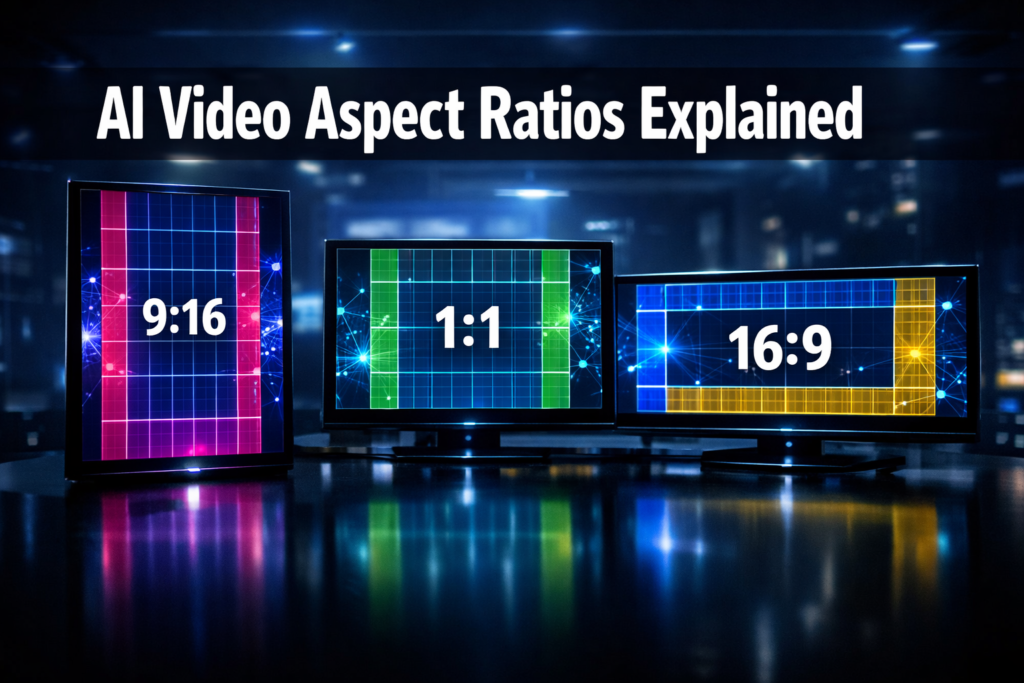
Quick Answer: Most AI video generators support at least three core aspect ratios: 16:9 (landscape/widescreen), 9:16 (vertical/portrait), and 1:1 (square). Many tools also offer 4:5, 4:3, and cinematic 21:9 options. The right choice depends entirely on where your video will be published — YouTube, TikTok, Instagram, or a cinema screen.
Key Takeaways
- 16:9 is the standard for YouTube, desktop viewing, and presentations.
- 9:16 is essential for TikTok, Instagram Reels, and YouTube Shorts.
- 1:1 works well for Instagram feed posts and LinkedIn video.
- 4:5 is Instagram’s preferred portrait ratio for feed videos.
- 21:9 (ultrawide/cinematic) is supported by some advanced tools for film-style output.
- Not all AI video generators support every ratio — always check before committing to a platform.
- Some tools let you auto-resize one video into multiple ratios simultaneously.
- Choosing the wrong ratio can result in black bars, cropped subjects, or poor engagement.
What Aspect Ratio Options Do AI Video Generators Support?
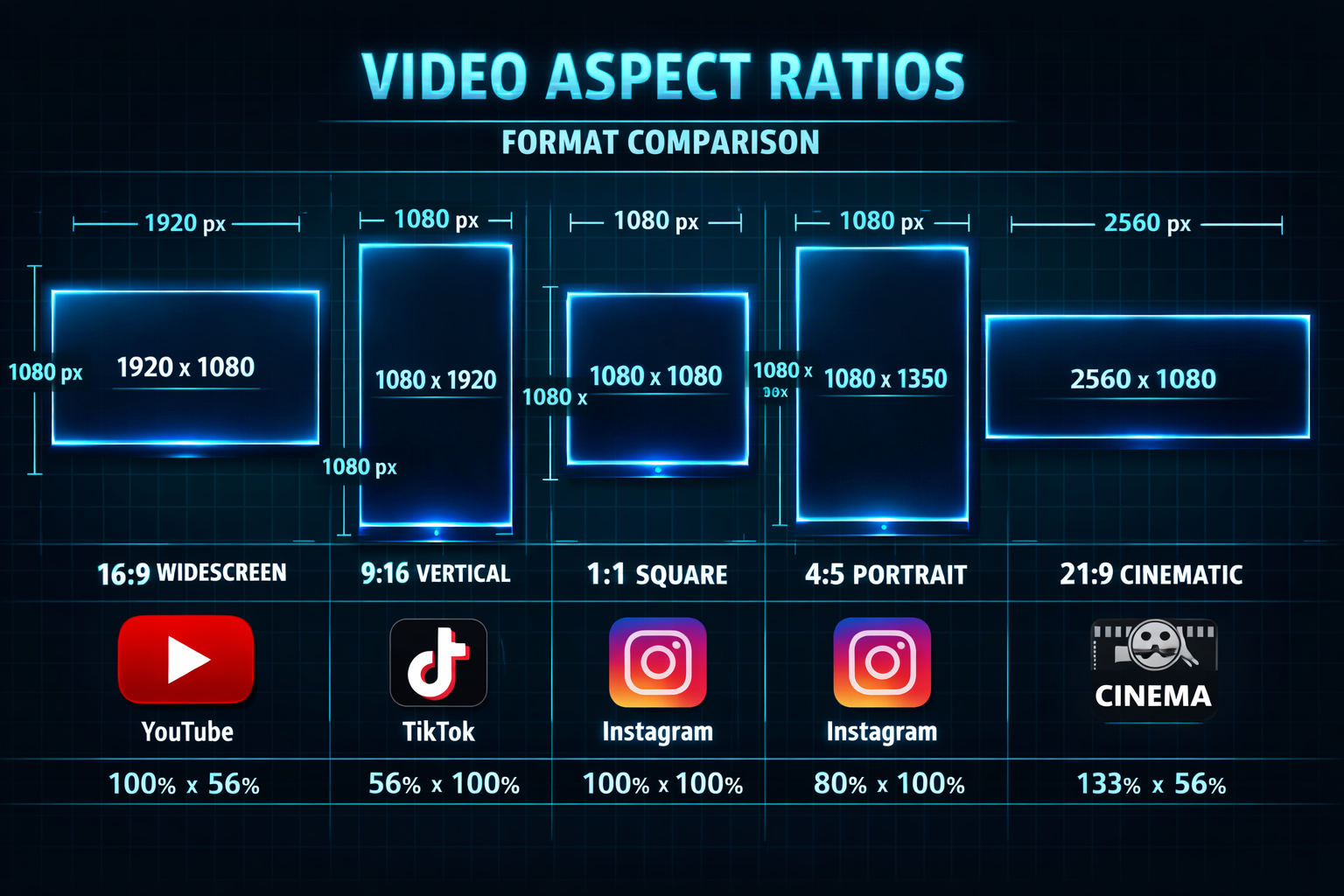
AI video generators in 2026 typically support between three and six aspect ratios. The most common are 16:9, 9:16, 1:1, and 4:5. Premium and professional-grade tools may also include 4:3, 2:1, and 21:9 for specialized use cases.
Here’s a quick reference table of the most widely supported ratios:
| Aspect Ratio | Common Name | Best Platform |
|---|---|---|
| 16:9 | Widescreen / Landscape | YouTube, Presentations, TV |
| 9:16 | Vertical / Portrait | TikTok, Reels, Shorts |
| 1:1 | Square | Instagram Feed, LinkedIn |
| 4:5 | Portrait | Instagram Feed (preferred) |
| 4:3 | Standard | Older TV, Zoom, Webinars |
| 21:9 | Cinematic / Ultrawide | Film, Premium Ads |
| 2:1 | Panoramic | Twitter/X Video, Web Banners |
Choose 16:9 if you’re publishing to YouTube or embedding video on a website. Choose 9:16 if short-form social content is your primary channel. Choose 1:1 or 4:5 if Instagram feed performance matters to you.
Why Aspect Ratio Matters More Than Most Creators Realize
Getting the ratio wrong isn’t just an aesthetic problem — it directly affects reach and engagement. Platforms like TikTok and Instagram algorithmically favor videos that use the native ratio for each surface. A 16:9 video uploaded to Reels will be letterboxed with black bars, which signals low effort and typically performs worse.
Beyond platform mechanics, aspect ratio affects how AI generators frame subjects. A tool generating a talking-head video in 9:16 will place the speaker differently than in 16:9. Some AI tools handle this automatically; others require you to re-generate or re-prompt entirely.
Key insight: Aspect ratio is a distribution decision, not just a visual one. Lock it in before you generate, not after.
For tools focused on social content, platforms like Keyvello and FacelessReels are built with multi-ratio output in mind, making it easier to publish across channels without re-generating content.
How Do Popular AI Video Tools Handle Aspect Ratios?
Most AI video generators handle aspect ratio selection in one of three ways:
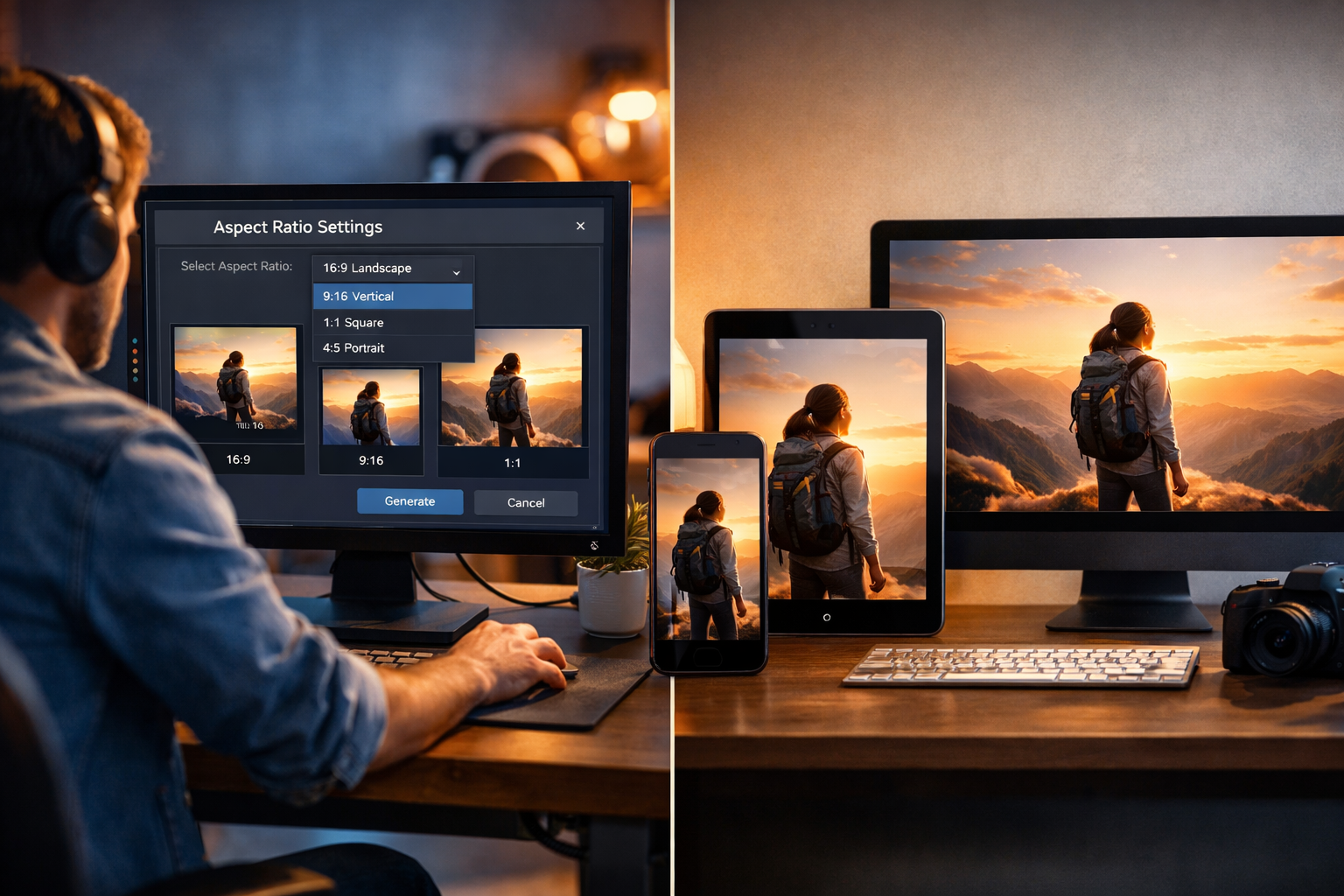
- Pre-generation selection — You pick the ratio before the AI renders the video. This is the most common approach and gives the best results because the AI composes the scene for that specific frame.
- Post-generation cropping — The tool generates at a base resolution and lets you crop afterward. This is less ideal because important visual elements can get cut off.
- Multi-ratio export — Some advanced tools render one video and automatically output multiple ratio versions. This saves time but may sacrifice quality at the edges.
Common mistake: Choosing the ratio after generation and assuming a simple crop will work. AI-generated videos often have subjects centered for the original ratio, so cropping to 9:16 from a 16:9 video frequently cuts off faces or key visual elements.
Tools like Pika AI and DomoAI allow ratio selection at the prompt stage, which produces noticeably better framing than post-crop alternatives.
What Aspect Ratio Options Do AI Video Generators Support for Social Media?
For social media specifically, the three ratios that matter most are 9:16, 1:1, and 4:5. Here’s how each maps to platform requirements:
- TikTok: 9:16 is native. Anything else gets letterboxed or cropped by the platform.
- Instagram Reels: 9:16 required for full-screen display.
- Instagram Feed (video): 4:5 is the recommended portrait ratio; 1:1 also works well.
- YouTube Shorts: 9:16 only.
- YouTube standard: 16:9 is the native format.
- LinkedIn: 1:1 and 16:9 both perform well.
- Twitter/X: 16:9 and 1:1 are most common; 2:1 is also supported.
If you’re creating short-form content at scale, look for tools that support batch export across ratios. SwipeStory and Ngram AI are examples of platforms built around script-to-video workflows that include social-first ratio options.
Does Resolution Change With Aspect Ratio in AI Video Tools?
Yes, and this is a detail many creators overlook. When you change the aspect ratio in an AI video generator, the pixel dimensions change too — and not all tools maintain the same quality across every ratio.
For example:
- 16:9 at 1080p = 1920×1080 pixels
- 9:16 at 1080p = 1080×1920 pixels
- 1:1 at 1080p = 1080×1080 pixels
Some AI tools cap resolution at a lower setting for vertical formats, especially on free or entry-level plans. Always check the output resolution for your chosen ratio, not just the ratio itself.
Edge case: A few tools advertise “4K support” but only deliver 4K for 16:9. Vertical and square exports may be capped at 1080p or even 720p. Read the fine print before choosing a plan.
Which AI Video Generators Offer the Most Aspect Ratio Flexibility?
The tools with the broadest aspect ratio support tend to be the ones built for professional or multi-platform publishing. Here’s a general breakdown by use case:
For social-first creators:
- Tools like Float by DeepBrain AI and Wula AI prioritize vertical and square formats alongside standard widescreen.
For marketing and ads:
- Tagshop AI and Frameloop AI support multiple ad-standard ratios including 4:5 and 1:1, which are common in paid social campaigns.
For cinematic or long-form content:
- Tools targeting filmmakers or premium content creators sometimes include 21:9 and 2.35:1 options, though these are less common in AI-native generators.
Choose a tool based on your primary distribution channel. If 80% of your content goes to TikTok and Reels, prioritize tools with strong 9:16 output quality over those that excel at 16:9.
What Should You Look for When Comparing Aspect Ratio Support?
When evaluating what aspect ratio options AI video generators support, go beyond the checkbox list. Ask these questions:
- Does the AI compose for the ratio, or just crop? Composition-aware generation produces far better results.
- What’s the maximum resolution per ratio? Especially important for paid ads and broadcast use.
- Can you export multiple ratios from one generation? This saves significant time for multi-platform publishing.
- Are there ratio-specific templates? Some tools offer pre-built templates optimized for each platform’s ratio.
- Does the tool support custom ratios? Niche use cases (digital signage, trade show displays) sometimes need non-standard dimensions.
For a broader look at what’s available in AI video creation right now, the AI Video & Media Tools category on ReviewNexa covers dozens of tools with detailed feature breakdowns.
FAQ
Q: What is the most common aspect ratio for AI video generators?
A: 16:9 (widescreen) is the most universally supported ratio across AI video tools. It’s the default for YouTube, most desktop players, and presentation software.
Q: Can I change the aspect ratio after generating a video with AI?
A: Some tools allow post-generation cropping, but results are often poor. It’s always better to set the ratio before generation so the AI frames the content correctly.
Q: What aspect ratio should I use for TikTok and Instagram Reels?
A: Use 9:16 (1080×1920 pixels). Both platforms display this ratio full-screen without black bars or cropping.
Q: Do all AI video generators support 9:16 vertical video?
A: No. Some older or more basic tools only support 16:9. Always verify vertical format support before choosing a tool for social content.
Q: What aspect ratio is best for Instagram feed videos?
A: 4:5 is Instagram’s recommended portrait ratio for feed posts. It takes up more screen space than 1:1 and tends to perform better for engagement.
Q: Is 21:9 cinematic ratio available in AI video tools?
A: It’s available in some advanced tools, but it’s not standard. Most AI generators focus on the three core ratios (16:9, 9:16, 1:1) and add others as optional features.
Q: What happens if I upload a 16:9 video to TikTok?
A: TikTok will add black bars on the top and bottom (letterboxing) to fill the 9:16 screen. This looks unprofessional and typically reduces engagement.
Q: Can AI video generators create custom aspect ratios?
A: A small number of professional-grade tools support custom pixel dimensions, but most consumer AI video generators are limited to preset ratios.
Q: Does aspect ratio affect video file size?
A: Yes. A 9:16 video at 1080p has the same pixel count as a 16:9 video at 1080p, so file sizes are similar. However, if resolution differs by ratio, file size will vary accordingly.
Q: Which aspect ratio works best for LinkedIn video?
A: Both 1:1 (square) and 16:9 (landscape) perform well on LinkedIn. Square tends to take up more feed space on mobile, which can improve visibility.
Conclusion
Understanding what aspect ratio options AI video generators support is one of the most practical decisions you’ll make in your video workflow. The wrong ratio means black bars, cropped subjects, and lower platform performance. The right ratio, selected before generation, means the AI composes every frame specifically for your target platform.
Actionable next steps:
- Identify your primary distribution channel (YouTube, TikTok, Instagram, etc.) and confirm the native ratio for that platform.
- Verify ratio support before committing to any AI video tool — check whether the tool composes for the ratio or just crops after the fact.
- Check resolution per ratio on the plan you’re considering, especially if you need 1080p or higher for vertical formats.
- Look for multi-ratio export if you publish across more than two platforms regularly.
- Test with a short clip first before generating a full video, to confirm framing and quality meet your standards.
For hands-on reviews of specific tools and how they handle aspect ratios in practice, browse the full AI Video & Media Tools section on ReviewNexa.
References
- Meta Business Help Center. (2023). Instagram video specs and formats. https://www.facebook.com/business/help/103816146375741
- TikTok for Business. (2023). Video ad specs and best practices. https://ads.tiktok.com/help/article/video-ad-specs
- YouTube Help. (2024). YouTube Shorts format requirements. https://support.google.com/youtube/answer/9889402